Physical Address
304 North Cardinal St.
Dorchester Center, MA 02124
Physical Address
304 North Cardinal St.
Dorchester Center, MA 02124
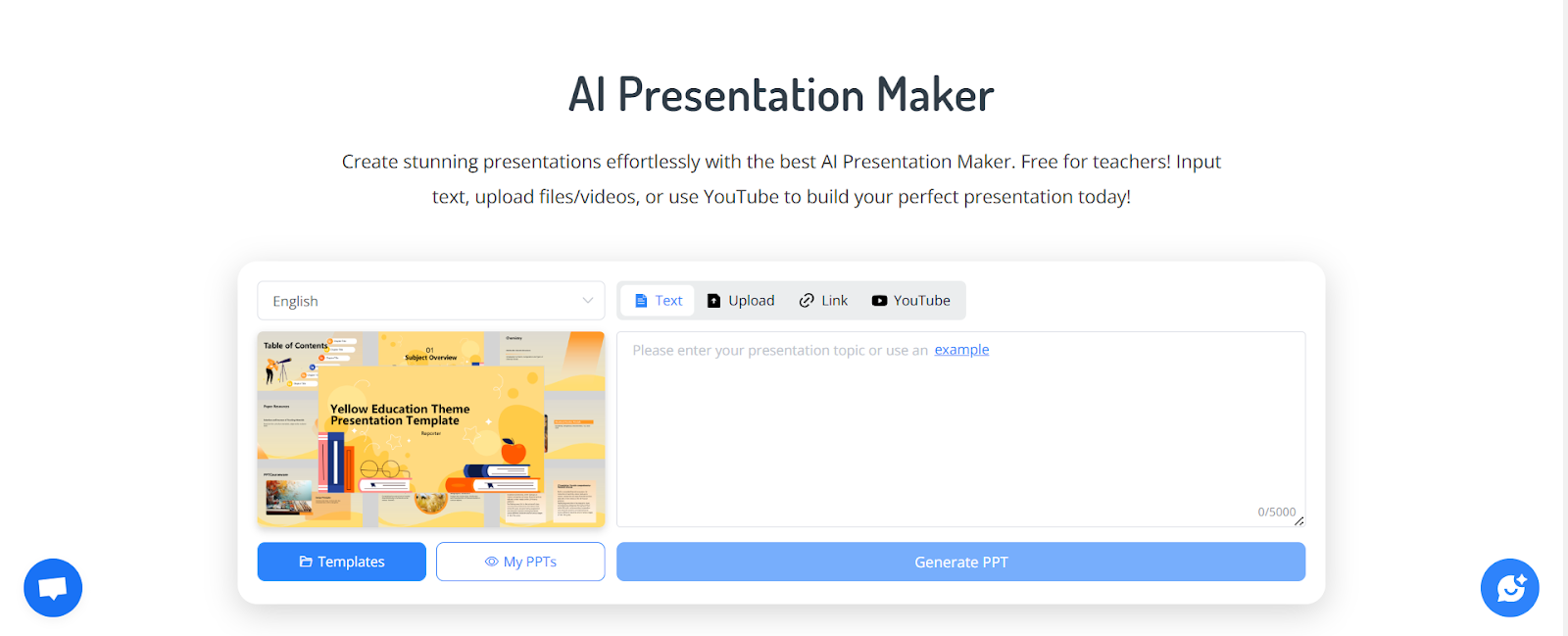
Creating effective presentations has always been a challenge. From structuring content to choosing layouts and formatting, it’s easy to spend hours just trying to make slides look decent. After testing multiple solutions, I discovered NoteGPT AI Presentation Maker, and it completely transformed my workflow. This tool takes raw content—whether it’s notes, documents, or links—and turns it into structured, polished slides in minutes.
In this article, I’ll share my experience, explain how the AI Presentation Maker works in different scenarios, and highlight why it’s become an essential tool for anyone who frequently builds presentations.
The hardest part of creating a presentation is deciding what goes on each slide. The AI Presentation Maker reads your input and automatically organizes it into a logical flow. It handles titles, bullet points, examples, and summaries, so you don’t have to think about structure.
You can feed the AI Presentation Maker:
Consistency is key when producing presentations for clients or internal teams. The AI Presentation Maker lets you choose prebuilt templates or upload your own branding file. Fonts, colors, and layouts match automatically, so every deck looks professional without manual tweaks.
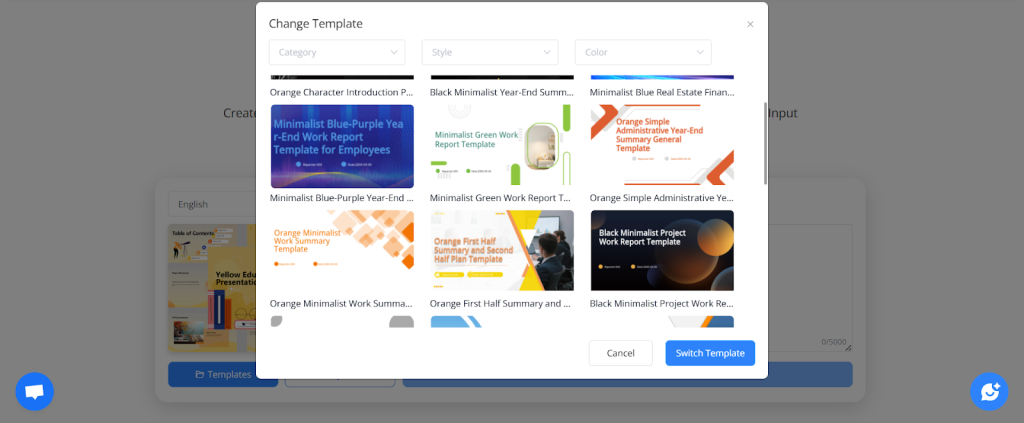
(NoteGPT AI Presentation Maker Rich Templates)
All slides are fully editable in PowerPoint or Google Slides. After AI generates the deck, you can adjust content, images, or design as needed. This flexibility ensures you’re not locked into rigid AI outputs.
Instead of spending hours building weekly update slides, I paste my notes into the AI Presentation Maker. Within minutes, I have a clean, readable deck summarizing progress, challenges, and next steps.
For educators, transforming lesson plans into student-friendly slides can be time-consuming. The AI Presentation Maker organizes content into sections, adds examples, and even creates summary slides, saving hours of prep time.
Input a basic idea of your product, market, and strategy, and the tool generates a coherent pitch deck. It provides a clear structure that includes problem, solution, market, and roadmap slides, helping founders focus on content rather than design.
Researchers can convert long papers or reports into concise slides. The AI extracts key points, creates a logical flow, and generates slides that are presentation-ready, perfect for meetings or conferences.
The AI performs better when the input is well-organized. Bullet points, short paragraphs, and clear topics yield the cleanest slides.
Indicate how many slides you need and who the audience is—executives, students, or clients. The AI adjusts tone and detail accordingly.
Upload your brand template before generating slides. This ensures consistency and saves time on manual edits later.
The AI creates a solid draft. Minor edits for examples, tone, or visuals are usually all you need to produce a final deck.
After using it daily, I’ve found the AI Presentation Maker:
It has become an indispensable tool for any professional who regularly creates presentations.
The NoteGPT AI Presentation Maker (https://notegpt.io/ai-presentation-maker) simplifies presentation creation by converting raw notes, documents, or videos into structured, polished slides. Whether you’re preparing business updates, educational lectures, or research decks, this tool significantly reduces manual work and improves output quality.
For those looking for alternatives or additional options, AI Presentation Maker is another excellent tool that provides similar capabilities and can complement your workflow. Both tools are worth exploring to see which fits your style and needs best.