Physical Address
304 North Cardinal St.
Dorchester Center, MA 02124
Physical Address
304 North Cardinal St.
Dorchester Center, MA 02124

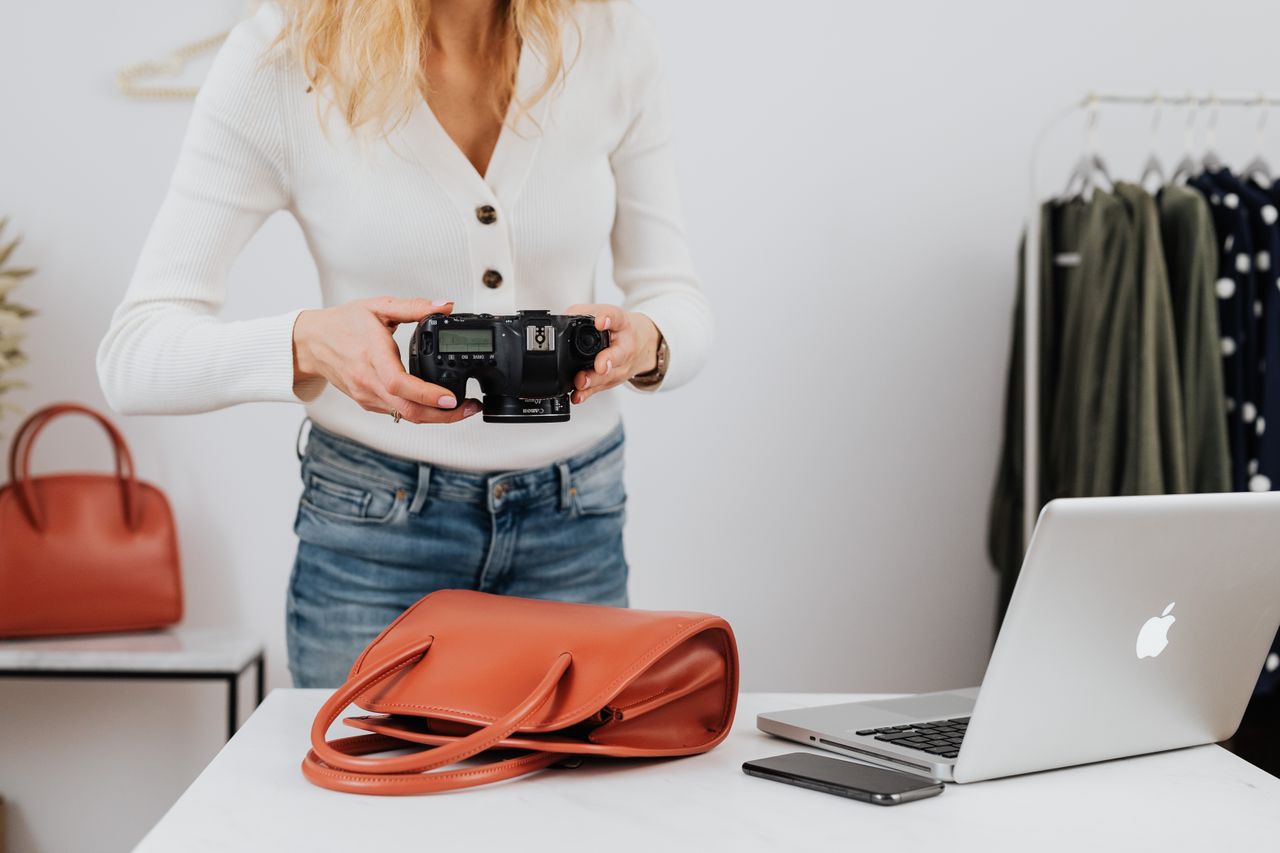
Preparing seasonal catalog refreshes for premium handbag and accessory collections presents a recurring operational headache for DTC store owners on platforms like Shopify. A single line of structured leather totes or crossbody bags often requires dozens of imagery variations: clean white-background ecommerce shots, lifestyle contextual framing, detailed close-ups of grain texture, and localized ad banners. Coordinating studio lighting, hiring models, and waiting weeks for retouched photography turns simple product launches into expensive bottlenecks. With the release of gpt image 2.5, e-commerce visual teams now have access to precise, image-to-image editing, improved text rendering, and high-speed generation capabilities. However, integrating AI image generation via platforms like Pikvee into a handbag brand’s workflow requires evaluating trade-offs between speed, artistic control, and physical product accuracy rather than adopting tools blindly.
For handbag and accessory brands evaluating gpt image 2.5, visual assets serve as the primary proxy for touch, weight, and luxury quality. When buyers browse a Shopify catalog for a leather satchel or an intricate clutch, they evaluate subtle visual cues—the subtle sheen of top-grain leather, the crispness of edge-painting, and the heavy reflection on polished brass hardware. Traditional studio photography guarantees exact physical accuracy because the physical sample sits directly in front of a camera lens. However, physical photography scales poorly when marketing teams need hundreds of creative assets for Meta ad testing, seasonal contextual backgrounds, or localized promotional banners.
This is where adopting gpt image 2.5 fundamentally changes the production economics. Rather than replacing physical prototypes entirely, modern visual production with gpt image 2.5 divides visual tasks into physical reference capture and generative asset expansion. Using tools like Pikvee to orchestrate generative visual pipelines allows brands to take a single studio reference shot of a handbag and generate multiple lifestyle scenes, seasonal backdrops, and promotional variations in minutes.
The core decision for handbag brands is not whether to replace traditional design entirely, but how to divide asset creation between physical capture and generative tools. Evaluating gpt image 2.5 requires assessing whether your bottleneck is physical sampling or content volume. When launching five colorways across three seasonal campaigns, relying exclusively on physical shoots slows market entry. Using gpt image 2.5 for background replacement, lifestyle contextualization, and ad variation allows creative teams to cut visual production turnarounds from three weeks down to two days while maintaining high brand consistency.
Handbags and accessories represent one of the most demanding product categories for generative visual AI. Unlike soft apparel that drapes fluidly or simple boxed consumer goods, leather goods combine rigid structural geometry with complex material textures. When evaluating gpt image 2.5 for commercial handbag imagery, merchandising teams must test against four non-negotiable visual criteria before approving assets for listing upload.
+———————————————————————————–+
| HANDBAG & ACCESSORY VISUAL EVALUATION CHECKLIST |
+————————–+——————————————————–+
| Criteria | Pass Benchmark |
+————————–+——————————————————–+
| 1. Surface Texture | Grain patterns (pebbled, Saffiano) stay sharp without |
| | synthetic blur or plastic smoothing. |
| 2. Hardware Precision | Metallic clasps, zippers, and buckles retain sharp |
| | edges and realistic specular reflections. |
| 3. Structural Geometry | Handles, shoulder straps, and gussets maintain original|
| | proportion across edit cycles. |
| 4. Text & Logo Rendering | Brand heat-stamps and inner fabric labels remain |
| | crisp and perfectly legible. |
+————————–+——————————————————–+
The primary focus lies in parameter control for surface fidelity. With gpt image 2.5, users can modulate texture-preservation parameters to ensure fine pebbled grain or Saffiano patterns remain sharp, avoiding the plastic-like smoothing common in earlier iterations. Regarding hardware, the model allows for precise specular control; by isolating metallic components, developers can maintain sharp edge definition on buckles and clasps, ensuring reflective highlights remain distinct and do not bleed into the adjacent leather texture.
Third, structural geometry must remain stable during image-to-image editing. When altering background environments—such as moving a brown leather shoulder bag from a studio pedestal to an outdoor marble staircase—the handle drop, strap silhouette, and bottom base stitching must not warp. The multi-turn consistency of gpt image 2.5 ensures that targeted background edits alter only the specified environment, leaving the core product geometry untouched. Fourth, brand mark legibility is critical. Handbag foil stamps and embossed logos rendered in gpt image 2.5 show significant fidelity improvements over previous model generations, avoiding scrambled lettering or illegible typography.
Not every e-commerce team operates with the same resources, bandwidth, or technical capabilities. Integrating gpt image 2.5 effectively depends on selecting an operational workflow tailored to your current team structure and deployment strategy for gpt image 2.5.
| Team Profile | Primary Production Challenge | Recommended gpt image 2.5 Workflow | Key Operational Tooling |
| Solo Founder / Boutique Owner | Limited budget for studio hires and external graphic designers | Conversational generation & sketch-based staging via web interface | @Sketch prompts, pre-built layout templates, basic masks |
| Performance Marketing Team | High burn rate on creative assets for paid social testing | API-driven batch generation for fast background variations | gpt-image-2.5-flare via automated API pipelines |
| In-House Creative Agency | Strict brand guideline adherence across large SKU catalogs | Multi-turn targeted editing and high-precision asset rendering | gpt-image-2.5-sunburst with xhigh / max quality settings |
For boutique founders, the workflow centers on direct interface interaction where @Sketch prompts facilitate rapid structural staging. For example, applying a pre-built layout template for a holiday gift set allows a solo founder to produce polished promotional assets quickly, demonstrating how template functionality reduces overall design time. Performance marketing teams utilize the gpt image 2.5 API to integrate automated batch-processing pipelines, focusing on high-volume asset generation and programmatic background swapping. For in-house agencies, the focus shifts to model-specific API selection: utilizing gpt-image-2.5-sunburst for its optimized reference-preservation architecture, which allows for surgical mask-based edits and granular control over the export of high-fidelity visual outputs.
Implementing gpt image 2.5 into an e-commerce publishing pipeline requires choosing the right balance between processing speed and rendering quality. The gpt image 2.5 architecture offers flexible endpoints tailored to distinct stages of content production.
+———————————-+
| Studio Product Reference Photo |
+—————-+—————–+
|
v
+————————+————————+
| |
v v
+———————–+ +———————–+
| gpt-image-2.5-flare | | gpt-image-2.5-sunburst|
| (Rapid Testing Stack) | | (Final Commercial Stack)|
+———–+———–+ +———–+———–+
| |
v v
• Social Media Stories • Hero Website Banners
• Paid Ad Variations • 4K Printable Catalogs
• Rapid Colorway Tests • Zoomable Product Pages
For rapid visual discovery, initial mood boards, and social ad variations, teams adopting gpt image 2.5 should leverage gpt-image-2.5-flare. Operating with significantly lower latency than previous model generations, the Flare model delivers high visual quality at fraction-of-a-second speeds. Merchandisers can rapidly test whether a tan leather handbag performs better against a minimal concrete backdrop or a warm autumn streetscape before committing design resources.
When generating final listing assets for hero product pages, catalog covers, or high-resolution print lookbooks with gpt image 2.5, production should shift to gpt-image-2.5-sunburst. Operating at precision quality levels like xhigh or max, Sunburst preserves tiny structural details such as contrast edge-stitching, inner lining patterns, and fine leather grain. Workflow automation platforms like Pikvee allow e-commerce managers to route initial visual brainstorms through Flare, and then auto-escalate approved concepts to Sunburst for final high-resolution output within gpt image 2.5.
Furthermore, e-commerce workflows should make full use of transparent background capabilities natively supported by gpt image 2.5. By outputting product renders directly with alpha transparency in WebP or PNG formats, designers can bypass manual background removal steps entirely, dropping newly generated handbag visuals directly into pre-designed Shopify site templates.
While gpt image 2.5 offers unprecedented flexibility for e-commerce asset generation, visual managers must recognize the boundaries where generative AI is unsuitable. Over-relying on AI mockups without physical validation can lead to high customer return rates if the delivered physical handbag deviates from its online representation.
PHYSICAL SHOOT vs. GENERATIVE AI BOUNDARY MATRIX
HIGH PHYSICAL REQUISITION HIGH AI EFFICIENCY
+————————————+————————————+
| • Exact Pantone Leather Color Match| • Seasonal Background Swaps |
| • Dimensional Scale Verification | • Lifestyle Contextual Framing |
| • Proprietary Hardware Mechanism | • Social Media Creative Variations |
| • Internal Pocket & Compartment Map| • Multilingual Banner Text Infill |
+————————————+————————————+
First, physical studio photography remains essential for exact color matching when adopting gpt image 2.5. If a handbag brand advertises a specific cognac leather tint, subtle color shifts introduced during AI rendering can create discrepancies between catalog images and real products. Critical catalog swatch photos should always originate from calibrated camera capture. Second, complex internal organization shots—such as showing the internal dividers, zippered pockets, and card slot of an open tote bag—require actual physical photography. Generative models like gpt image 2.5 excel at external surface representation, but internal compartment fidelity is a physical constraint of the current generative model architecture due to occlusion and a lack of structural internal data.
Third, dimensional scale reference photos require physical human models. Demonstrating how a weekend travel bag fits against a person’s shoulder height or showing strap drop length requires exact measurement fidelity. Using gpt image 2.5 for lifestyle background contextualization and ad creation while reserving studio shoots for technical color swatches and dimensional measurements creates a balanced visual pipeline. To mitigate the risk of increased return rates, brands must implement a hybrid shooting strategy. This involves using physical photography for all primary product catalog entries, while reserving gpt image 2.5 for secondary creative assets. Furthermore, every AI-generated asset should be clearly flagged with internal metadata tags—such as source: generative—to maintain a clear audit trail. By ensuring that web-store hero images remain strictly physical and only lifestyle-contextual assets are generated, brands can bridge the fidelity gap, ensuring customers receive products that align exactly with the high-fidelity visual representations they engaged with online.
