Physical Address
304 North Cardinal St.
Dorchester Center, MA 02124
Physical Address
304 North Cardinal St.
Dorchester Center, MA 02124

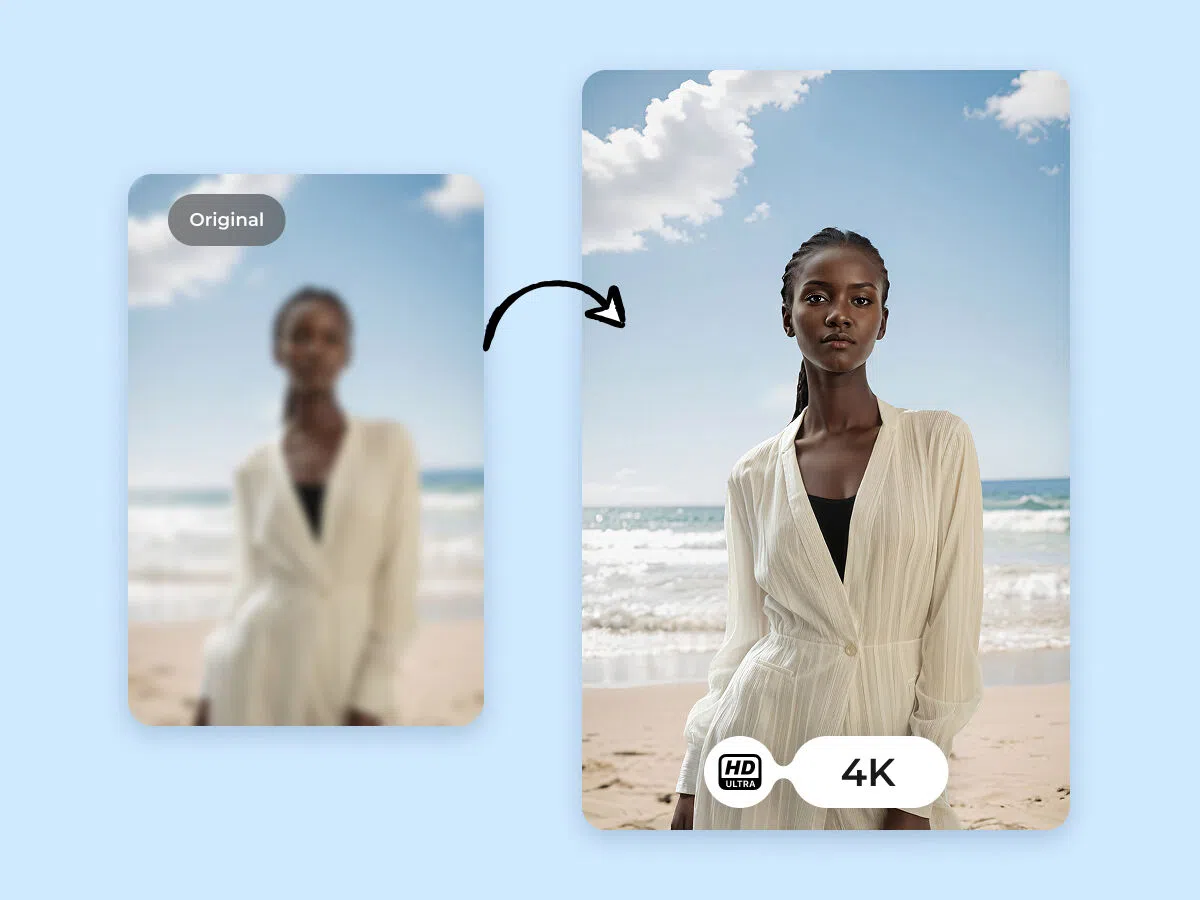
Blurry or low-resolution pictures can easily damage your reputation because they can be displayed in numerous places, such as social media platforms, product descriptions, restaurant menus, and even professional portfolios. By the year 2026, having outstanding visuals will not only be an effective way to get attention but also a method to build your online credibility, which is the primary reason why AI image enhancers are becoming more popular daily.
AI image enhancers use artificial intelligence to increase the resolution automatically. People can now make images beautiful with just a few clicks without doing long manual editing. Next, we will discuss the 7 best AI image enhancers currently on the market to enlarge and enhance photos in 2026.
Not every AI image enhancer gives you the same outputs. That’s why, when choosing one, you should first find out which features are capable:
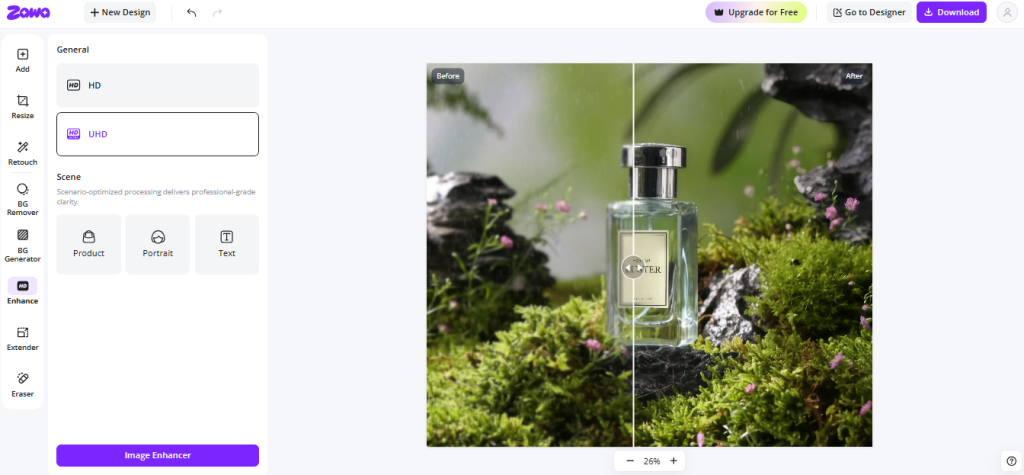
Zawa is a powerful photo enhancer tool powered by AI, capable of transforming and upgrading ordinary photos into super-fine quality in 4K resolution with minimal user interactions, such as reducing noise, recovering detailed features, and other processes. Moreover, it can process multiple images simultaneously (20 pictures at most).
This feature is extremely beneficial for e-commerce sellers and small enterprises that mainly operate product catalogs. The tool makes the image look sharper, changes the color, and at the same time, keeps natural textures. So, you won’t get a fake or over-processed image. Thanks to a browser-based interface, users can upload images, select HD or Ultra HD enhancement, and obtain by downloading the best quality images right away. There is no need for any technical knowledge or software installation.
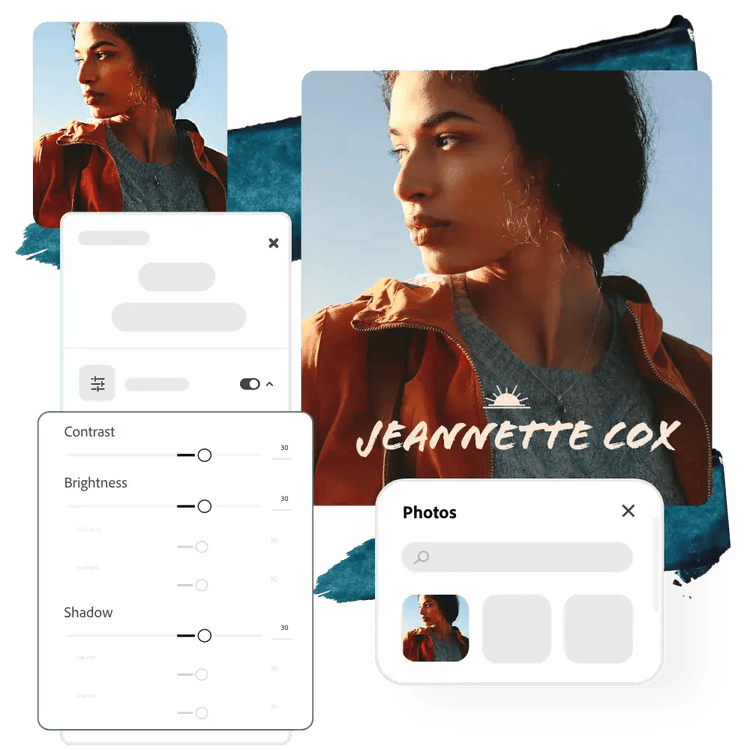
Adobe Express is a no-cost image enhancer powered by AI that does more than just upscale an image; in fact, it provides an entire editing and design suite at the user’s disposal. Users can, with the help of smart AI tools, instantly improve photo quality, remove backgrounds, retouch images, make color adjustments, and apply filters. With only one click background removal and generative features, it is a great tool for producing high-quality visual content for social media, marketing, and presentations.
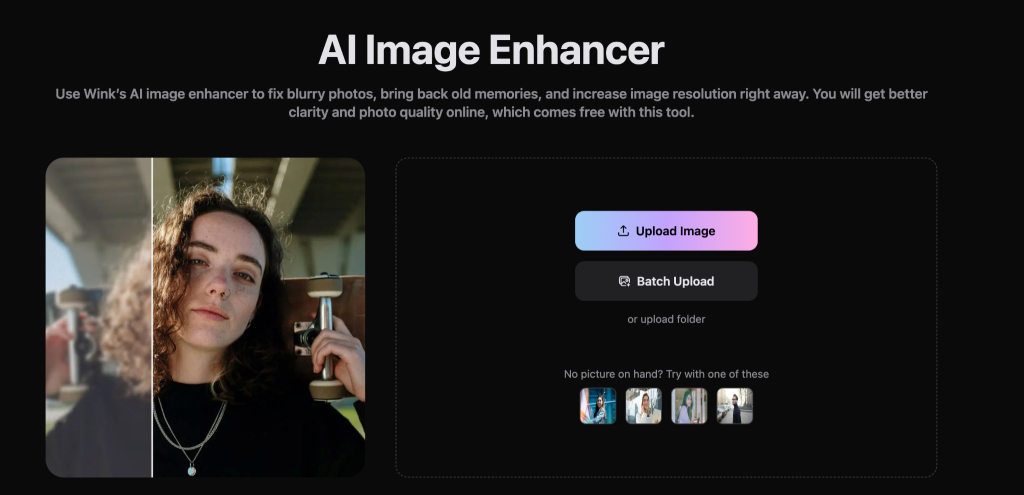
Wink is a professional AI image enhancer designed for photographers or creators who want high-quality and precise editing results. It provides state-of-the-art features such as enlarging, removing noise, increasing sharpness, restoring faces, and adjusting lighting.
Let’s Enhance is an AI-based image enhancer. It is capable of upscaling, restoring, and enhancing photo quality with a major focus on natural-looking results. It can upscale an image resolution as much as 16x (up to 512 MP), therefore, it can be a great choice for printing posters, merchandise, and large-format visuals. The tool has dedicated modes for portraits, product photos, old images, and AI-generated artwork, which aid in maintaining realistic textures while correcting blur, noise, and color problems.
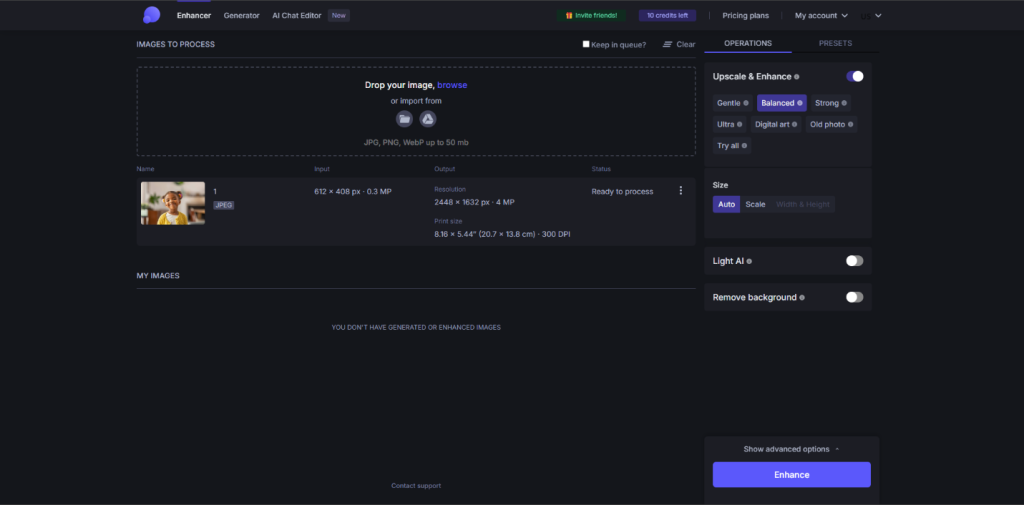
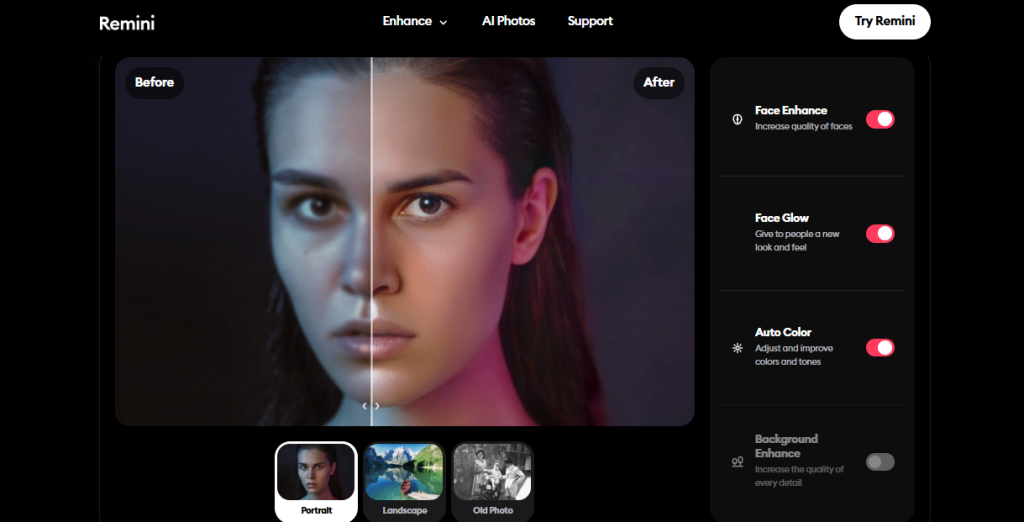
Remini is an AI image enhancer that can greatly improve the quality of low-resolution photos, making them clear and high-definition images, focusing especially on the details of human faces. It is really on point for enhancing faces, for example, by restoring old, unclear, or blurred pictures, getting rid of noise, and generally making the image much clearer with just one click.
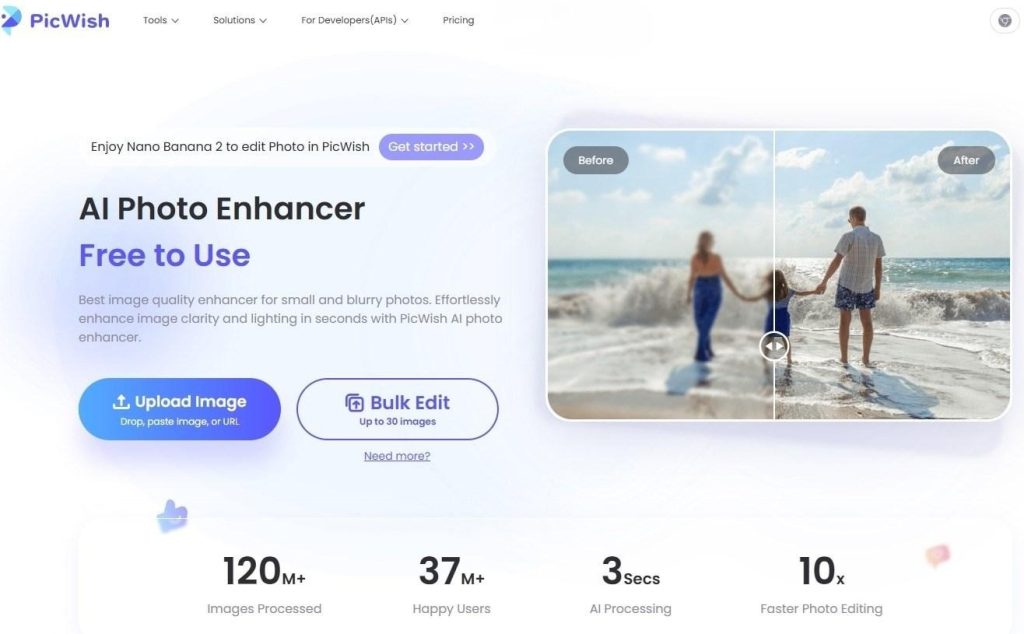
PicWish is an AI image enhancer that allows upscale images up to an astonishing 48, 000px. Besides that, it can process 4K-quality visuals incredibly fast at a simple click of a button. It features batch processing, enabling users to work on 30 images online simultaneously (and 10, 000 on the desktop), which is very handy for bulk editing. AI models are utilized by the tool to work on the image automatically in several ways, such as deblurring, denoising, correcting lighting, and detail enhancement.
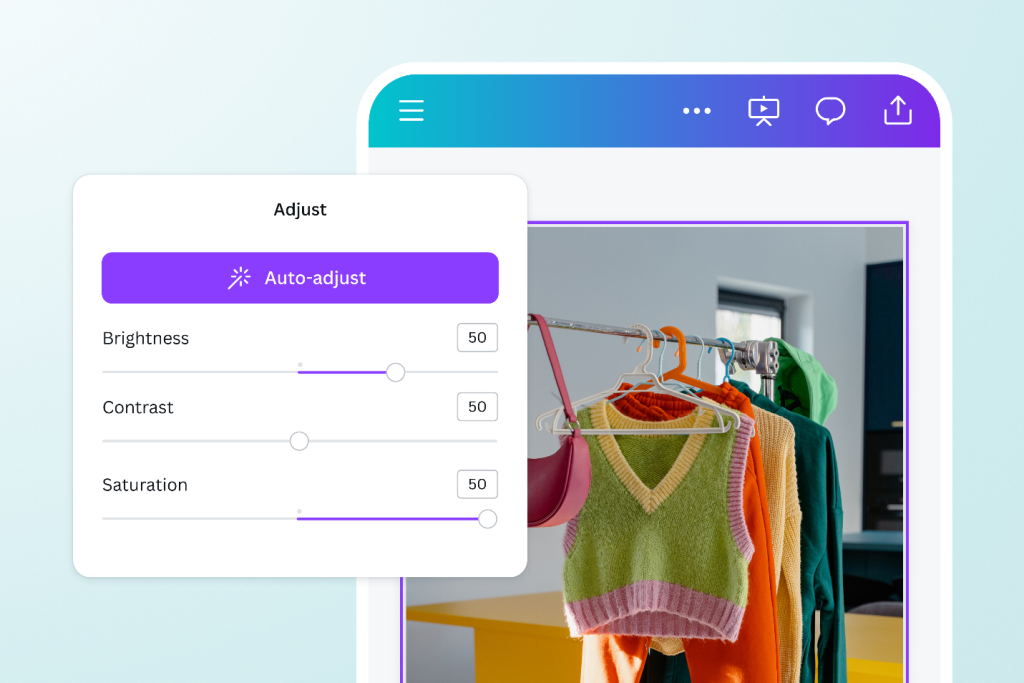
Canva’s simple AI image enhancer can help you retouch your photos effortlessly. Using the one-click Upscale function, you can fix your images that are blurry, too dark, or overexposed mostly by increasing sharpness, brightness, and color balance.
This tool’s biggest advantage is that it would seamlessly integrate with other design features so that you could instantly use the photos that you have enhanced for your social media posts, thumbnails, and marketing content.
The suitable AI image enhancer depends on your specific use case, working method, and the level of quality you are expecting. Different software has been made for different purposes, such as business automation or high-quality photo restoration.
| Use Case | Recommended Tool |
| Small business or product/retail photography | Zawa |
| professional photo quality and detail recovery | Wink AI |
| Users already working within the Adobe ecosystem | Adobe Express |
| Quick browser-based enhancement and high upscaling | Let’s Enhance |
| Face enhancement, selfies, and old photo restoration | Remini |
| Bulk image processing and fast batch enhancement | PicWish |
| Simple all-in-one design and editing workflow | Canva |
AI image enhancement tools are reshaping modern content workflows by making high-quality visuals faster and more accessible.
Picking the right AI image enhancer depends heavily on what you will use it for: professional photography, restoring old photos for personal use, or quick bulk editing for content workflow. Each one of the tools offers different features, some just a one-click simple image enhancement, and some are professional-grade image recovery tools.
If you are a business user, Zawa will be your best pick, as it offers more than just enhancement, and, on the side, it also helps with brand-specific visuals, product photography, and producing consistent marketing materials.
