Physical Address
304 North Cardinal St.
Dorchester Center, MA 02124
Physical Address
304 North Cardinal St.
Dorchester Center, MA 02124

Static imagery built the foundation of digital publishing. For decades, a high-resolution photograph or a well-crafted graphic asset was enough to stop thumbs and secure clicks.
That dynamic has shifted dramatically. Visual platforms now prioritize motion-first formats, while audiences scroll past flat imagery within milliseconds. To capture attention without inflating production overhead, designers and digital publishers are turning to micro-motion—a workflow that breathes physical dynamism into static assets without requiring full 3D animation suites.
Social media feeds, editorial feeds, and ad carousels suffer from visual saturation. High-resolution photography remains aesthetically pleasing, but it struggles to hold viewer gaze long enough to register an editorial message or brand identity.
Short-form video algorithms measure success in seconds watched and repeat loops. When a static portrait merely sits on screen, retention drops sharply after the first second. Introducing realistic hair sway, lifelike eye blinks, or subtle camera parallax resets the viewer’s attention clock, signaling freshness to algorithmic feeds.
Transforming 2D stills into kinetic assets does not require complex rigging or months of keyframing experience. Modern content pipelines rely on targeted, automated generation to achieve cinematic motion in minutes.
Traditional puppet pins and warp tools often stretch facial features unnaturally, ruining subtle expressions. Generative neural models solve this by constructing invisible 3D depth maps underneath the pixel layer.
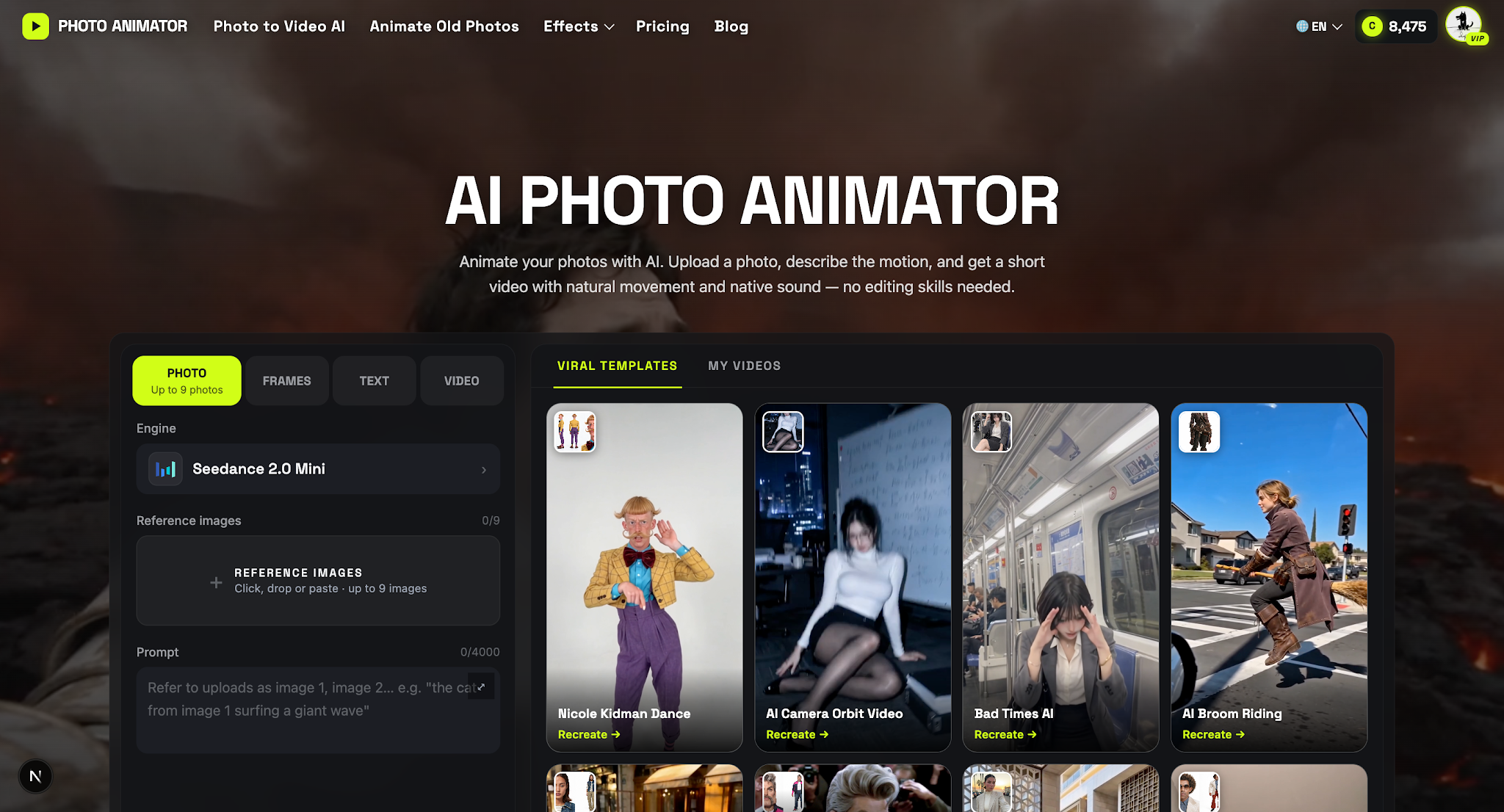
This spatial awareness enables realistic facial turns, natural smiles, and subtle breathing movements. For teams testing dynamic visual storytelling at scale, the AI Photo Animator official platform provides an intuitive workflow to process static graphics into smooth, high-definition motion clips without manual keyframing.
A flat image feels dimensional when foreground elements move at a different rate than the background. You can quickly isolate subject silhouettes using automatic segmentation, fill background gaps using generative inpainting, and apply an 8-to-12 frame push-in. The resulting cinematic parallax immediately gives editorial banners a high-budget documentary feel.
Motion does not always mean moving the subject itself. Adding ambient light sweeps, floating dust motes, or directional lens flares over an animated portrait reinforces environmental depth. These ambient micro-movements trick the human eye into perceiving vitality even before the primary subject moves.
Dynamic still-image rendering bridges the gap between low-budget static graphics and cost-prohibitive live video shoots. Several media sectors are extracting immediate value from this middle ground:
While generative motion engines have matured, careless execution can still produce awkward results. Maintain visual authenticity by adhering to these guidelines:
The distinction between static imagery and video content is fading fast. Digital audiences no longer distinguish between photo and video—they only distinguish between what catches their eye and what blends into the background.
By incorporating intelligent motion synthesis into your creative pipeline, you can extend the shelf life of your existing image libraries, maximize campaign performance, and produce immersive visual assets at fractional turnaround times.
