Physical Address
304 North Cardinal St.
Dorchester Center, MA 02124
Physical Address
304 North Cardinal St.
Dorchester Center, MA 02124

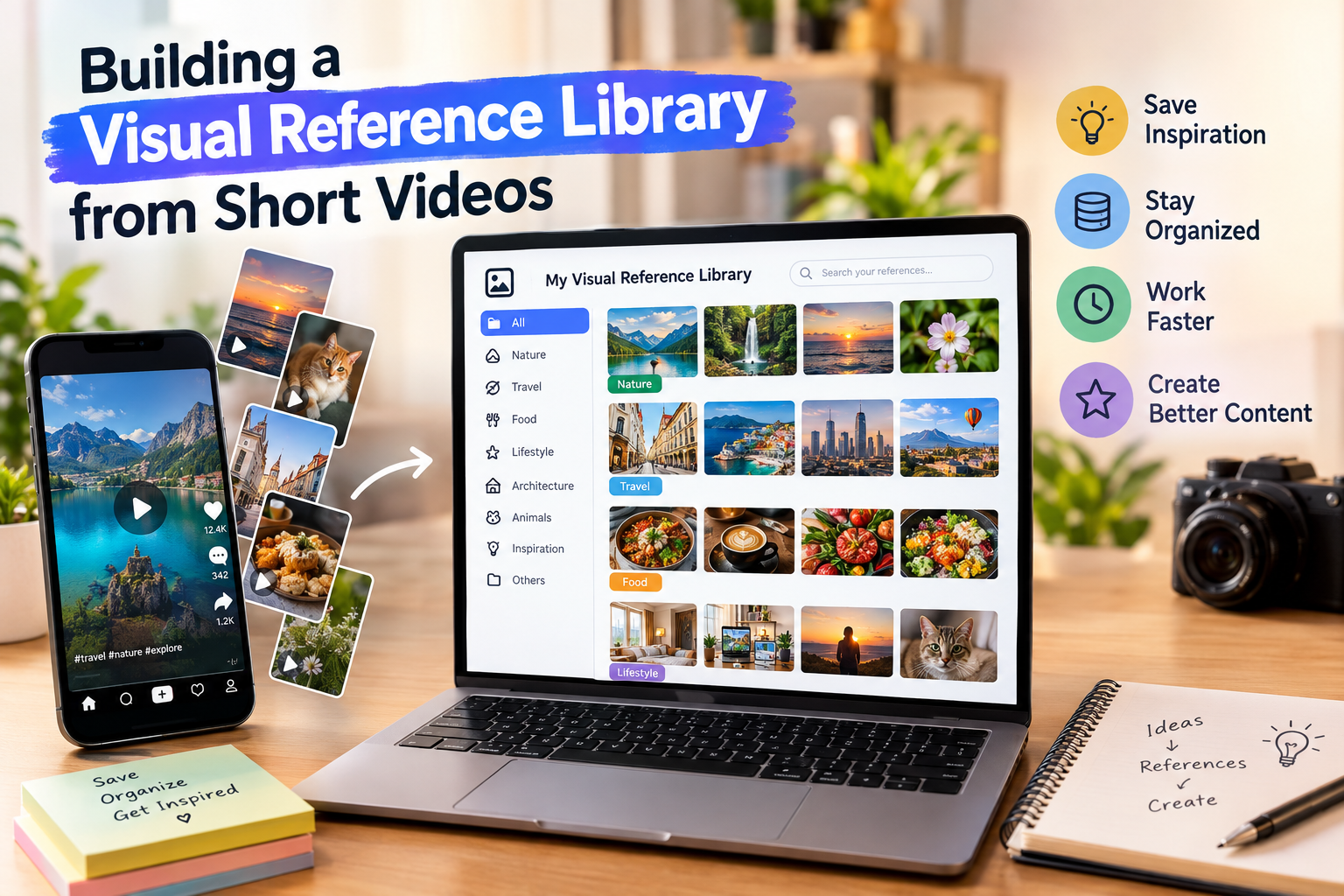
Every photographer, illustrator and social media designer keeps some kind of reference library. A decade ago it was a shelf of magazines and a folder of saved images. Today a large share of visual inspiration arrives as short vertical video: a lighting setup explained in thirty seconds, a colour-grading trick shown before and after, a product shot built step by step on a kitchen table. For creators in India and elsewhere, these clips have become one of the fastest ways to learn new techniques.
The catch is that short video is easy to watch and hard to find again. This guide covers how to collect useful clips, organise them so they actually help your work, and stay on the right side of creators’ rights while you do it.
Still images show the result. Video shows the process. When you watch a food photographer move a reflector a few centimetres and the shadow on the plate softens, you understand the technique in a way a written tutorial rarely manages. The same applies to typography animations, transitions, framing for vertical formats and the small editing decisions that separate an average post from a memorable one.
Short clips also lower the cost of experimenting. You can watch ten different approaches to the same problem in five minutes, pick the one that suits your style and try it the same afternoon. That speed is why many working designers now treat their saved clips as a living textbook.
Platform bookmarks are convenient, but they are not an archive. Saved posts stay online, depend on a working connection and disappear if the original creator archives or deletes them. They are also hard to search: after a few months, a long list of saved items becomes a scroll you rarely open.
Anyone who has tried to find “that clip about soft window light” the night before a client shoot knows the frustration. A personal library stored on your own device solves this, provided it is organised from the start.
A good library mirrors the way you work. Instead of one huge folder, group material by the questions you ask during a project. A simple structure that works for many creators:
Name files descriptively, for example “window-light-portrait-reflector” rather than a random string, and keep a short text note with the creator’s handle. That note matters both for credit and for finding more work from people whose style you admire.
When a public Reel is worth keeping, a local copy means you can study it frame by frame, watch it without a connection during travel or on set, and include it in a private mood board for a project. Browser-based tools make this straightforward: you copy the link of the public post, paste it into the tool and download the file to your phone or computer, with no app to install and no login required.
Sssinstagram is one such tool that works in any browser. Once saved, the clip sits in your library alongside your own photos and sketches, ready to be compared, paused and annotated.
A clear boundary applies here. These tools are meant for public content and personal reference. Saving a clip to study a technique is very different from re-uploading someone else’s work, using it in paid advertising or presenting it as your own. Credit belongs to the person who made it.
Collecting is the easy part. The value comes from deliberate practice. A method that works well:
Over a few months this builds a personal catalogue of techniques you have actually tested, not just watched. It also makes client conversations easier, because you can show both the reference and your own interpretation of it.
Mood boards help clients describe what they want. Short video references are especially useful for brands planning their own vertical content, since a static image cannot show pacing or movement. When sharing references privately with a client, mention where each clip came from and make it clear that it is an example of a style, not material that will be reused. Many agencies keep a simple rule: references stay internal, final work is always original.
Storage fills up quickly with video. Once a month, review your folders, delete duplicates and clips you no longer find useful, and move older material to a computer or external drive. Keep files in a common format such as MP4 so they will open on any device years from now. A smaller, curated library is far more useful than thousands of forgotten files.
Short video has quietly become one of the richest sources of visual education available to creators. Treating it as a reference library rather than an endless feed changes how much you learn from it. Organise what you save, credit the people who inspire you, and turn each saved clip into a technique you can actually use in your own work.
