Physical Address
304 North Cardinal St.
Dorchester Center, MA 02124
Physical Address
304 North Cardinal St.
Dorchester Center, MA 02124

We have all been there: you have a crystal-clear visual in your head, you type a description into an AI generator, and what comes back looks like glossy plastic. So you tweak a few adjectives, hit generate again, and burn through fifty credits just trying to get the shadows to fall on the right side of the subject’s face.
Writing prompts from scratch is a lot like trying to cook a dish without a recipe when you don’t even know the names of the spices. You might know what kind of mood you want, but unless you know the exact tokens the model responds to—like Kodak Portra 400, subsurface scattering, or chiaroscuro rim lighting—you end up playing a frustrating guessing game.
Photographers learn by looking at the EXIF data of shots they admire—checking the aperture, shutter speed, and lens choice. AI visual creation works the exact same way. The fastest way to get consistent results isn’t memorizing a dictionary of art terms; it’s looking at images that already nail the look you want and seeing what’s under the hood.
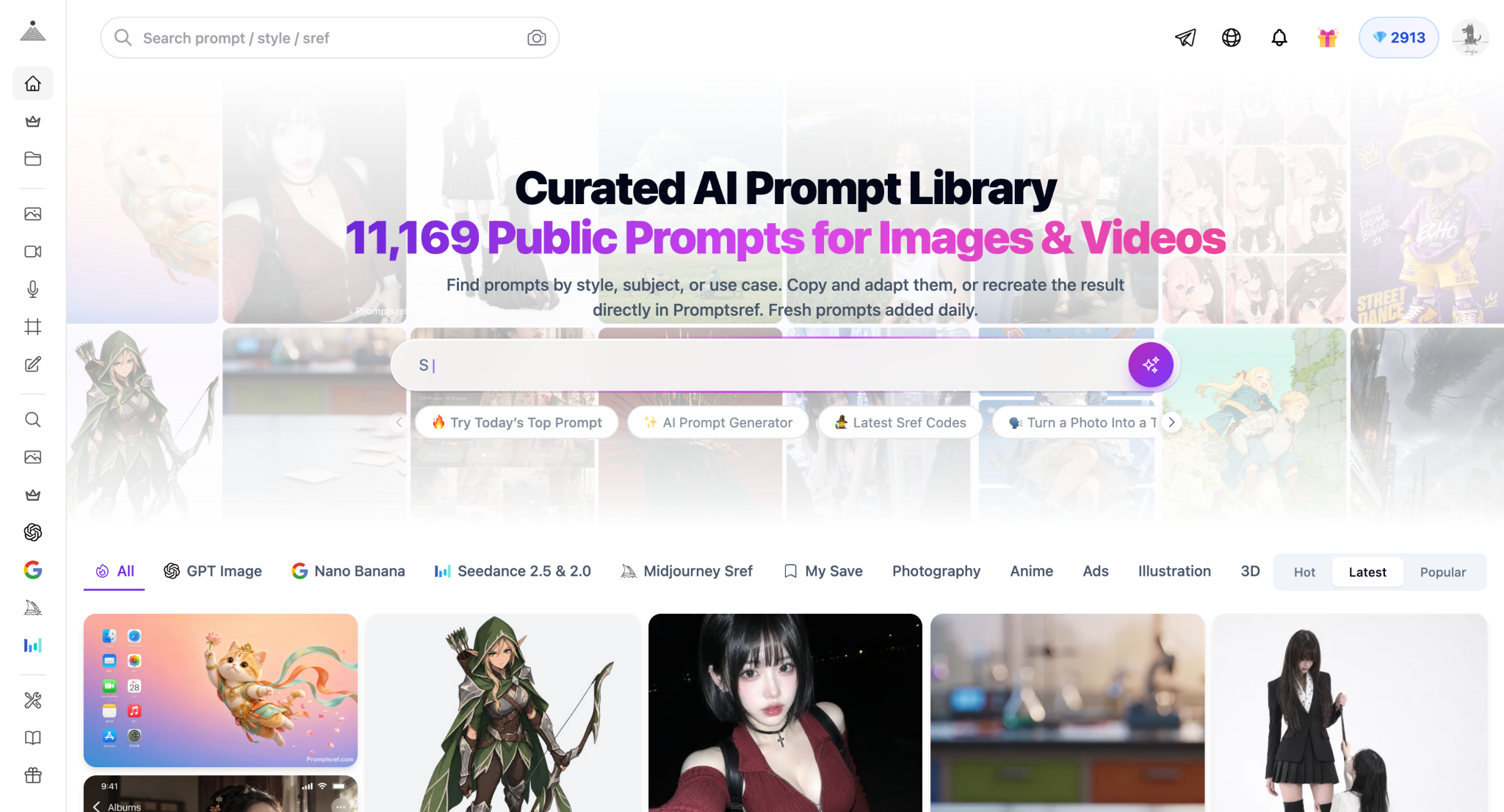
Instead of staring at an empty text box, browsing a curated AI Prompt Library lets you reverse-engineer working results. You can see the exact phrasing that produced a specific 3D clay texture, an editorial fashion shot, or a retro anime frame. Once you see how a prompt is structured, you just swap out the core subject for your own idea and keep the lighting, camera angle, and style modifiers intact. It turns a two-hour trial-and-error session into a five-minute tweak.
Here is the catch with text prompts, though: they are terrible at spatial precision. You can type “a coffee cup on the bottom left corner of a wooden table, shot from a 45-degree angle” ten times, and the AI will still put the cup wherever it wants half the time.
When layout, specific character poses, or exact proportions actually matter for a project, fighting with text descriptions is a waste of time. It is much easier to block out a quick composition—whether that’s a rough doodle on your iPad, a quick 3D viewport grab, or a stock photo—and drop it into an Image to Image AI Generator.
Using a base image locks the structure in place. You let the reference photo handle the geometry and perspective, while your text prompt handles the heavy lifting on textures, lighting, and artistic style.
If you want to stop relying on luck for your generations and get predictable visuals, keep your process simple:
At the end of the day, nobody wants to spend three hours wrestling with a text box just to get one usable asset. Grab a prompt structure that already works, feed in a reference image when the angle matters, get the shot you need, and get back to your actual design work.
