Physical Address
304 North Cardinal St.
Dorchester Center, MA 02124
Physical Address
304 North Cardinal St.
Dorchester Center, MA 02124

Every autumn, social feeds fill with themed portraits, costume ideas and playful edits. A decade ago, adding a decorative element to a picture meant learning complex desktop software and spending an hour on a single image. Today, browser based tools and mobile apps handle the same job in seconds, often with a single upload. This article looks at why themed edits have become so popular, how the technology behind them works, and what you can do to get clean, believable resul
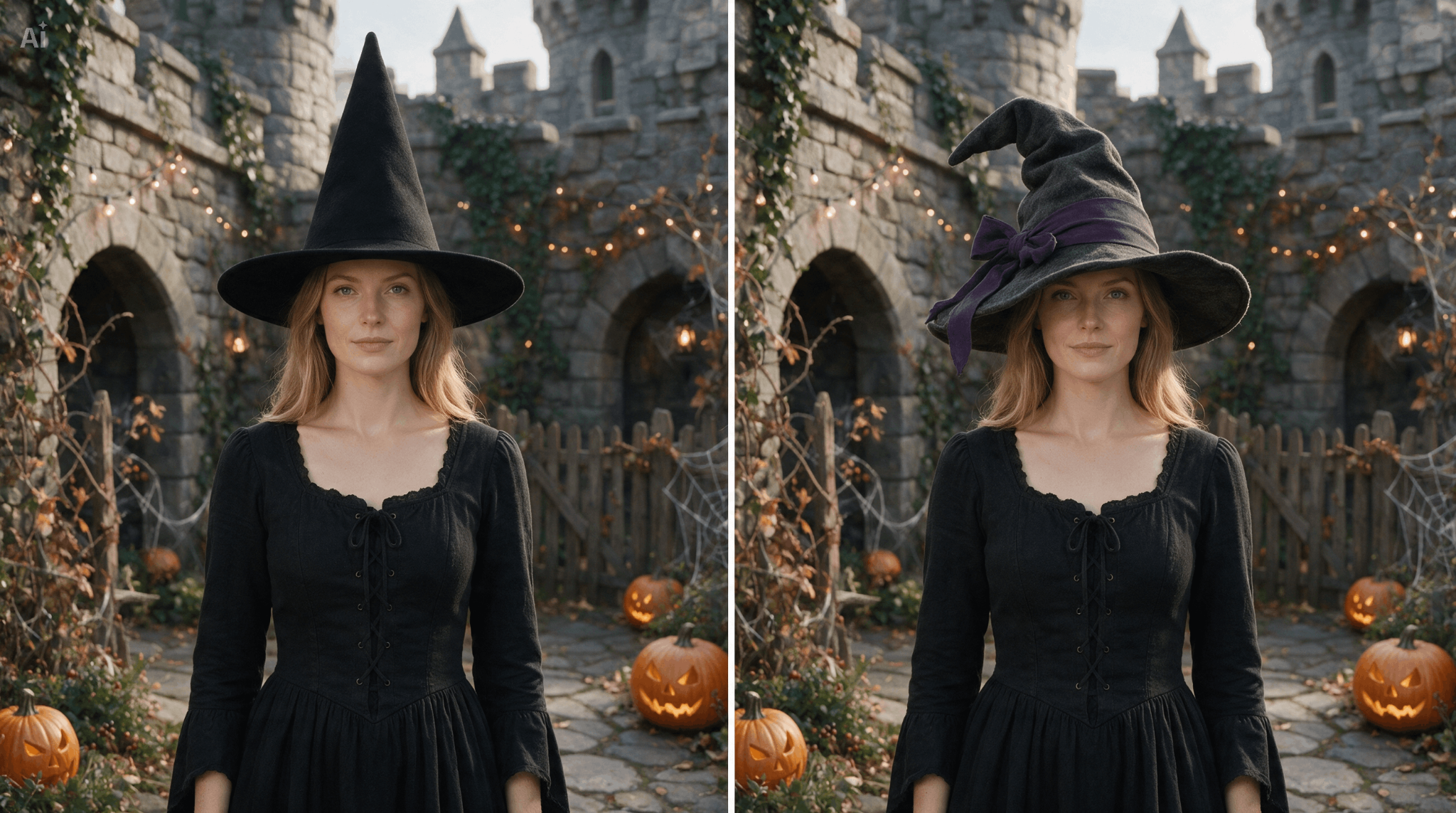
People enjoy adding a little imagination to everyday pictures, and seasonal edits are among the easiest ways to do it. If you want to add a witch hat to photo files for a Halloween post, a party invitation or a family card, modern editors let you finish the task without any design background. The appeal is simple: a regular portrait becomes a festive image that feels personal, and it can be shared right away.
There are several reasons these edits keep growing in popularity. Social platforms reward visual content that stands out, and themed images are quick to recognize. Small businesses use them in holiday promotions because they add personality without needing a professional photo shoot. Teachers, event organizers and community groups also use them for flyers, class activities and group announcements. Because the tools are free or low cost, almost anyone can take part.
Most themed editing tools rely on a layering system. The original photo sits at the bottom, and a decorative element, such as a hat, a frame or a sticker, is placed on top as a separate layer. Each layer can be moved, resized, rotated and adjusted without changing the original picture underneath.
Newer tools add automatic detection. Face recognition models locate the head, estimate its angle and size, and suggest where an accessory should sit. Some editors also detect hair edges, which helps an overlay blend into the image rather than hovering above it. This is the same kind of computer vision that powers camera focus systems and portrait mode on modern phones.
Transparency is another key detail. Overlay graphics are usually saved in formats that support transparent backgrounds, so only the object itself appears over the photo. Without transparency, you would see an ugly box around the accessory. Good editors also let you adjust opacity, brightness and shadow, which helps the added item match the lighting of the original scene.
A convincing edit depends more on small details than on the tool itself. These practices make a noticeable difference.
Choose a clear source image. Photos with a visible head, good lighting and a simple background are easiest to edit. If the subject’s head is partly covered or turned sharply to the side, the overlay may look awkward.
Match the angle. If a person is tilting their head, rotate the accessory by the same amount. A perfectly straight hat on a tilted head is one of the most common signs of a poor edit.
Scale carefully. The added item should be proportional to the head. Too large and it looks cartoonish, too small and it appears pasted on by accident.
Consider the lighting. If the photo has warm light coming from the left, the added object should have matching highlights and shadows. Many editors include a shadow slider for this purpose, and a gentle shadow where the object meets the hair can add a lot of realism.
Blend the edges. A slight feathering or softening of the overlay edge helps it merge with the surrounding pixels. Hair that overlaps the accessory slightly, if the tool supports it, also improves the effect.
Even simple edits can go wrong. One frequent mistake is using low resolution graphics on a high resolution photo, which produces visible blur or jagged edges. Always check that the overlay is sharp at the final export size.
Another problem is ignoring perspective. If a person is photographed from below, the top of the head appears at a different angle than in a straight on shot, and the accessory should reflect that. Over editing is also common. Adding too many stickers, filters and effects can make an image feel crowded and distract from the subject.
Finally, export settings matter. Saving a finished image in a heavily compressed format can introduce artifacts around the edges of the added object. Choosing a high quality setting, especially for images that will be printed or posted on large displays, keeps the result clean.
Because many online editors process images on remote servers, it is worth thinking about privacy before uploading personal pictures. Read the tool’s data policy, check whether images are deleted after processing, and avoid uploading sensitive photos to services that do not explain how they handle files. When editing pictures of other people, especially children, it is courteous and often necessary to ask for permission before sharing the result publicly.
It is also good practice to be clear when an image has been altered, particularly if it might be mistaken for an unedited photograph. Playful seasonal edits are harmless, but transparency builds trust with your audience and keeps creative tools associated with fun rather than confusion.
Image editing is moving toward greater automation and accuracy. Future tools are likely to understand lighting, depth and texture well enough to place objects with almost no manual adjustment. Real time previews on phone cameras already let people see a themed accessory on their head before taking the picture, and these features will keep improving as processing power grows.
Themed photo editing has turned a once technical task into a casual creative habit. By understanding how overlays work, matching angle, scale and lighting, and respecting privacy, anyone can produce polished and believable results. Whether you are preparing a festive greeting or simply experimenting for fun, a good tool to add witch hat to photo images shows how accessible digital creativity has become. With a little care and attention to detail, a simple portrait can become a memorable seasonal image that is ready to share.
