Physical Address
304 North Cardinal St.
Dorchester Center, MA 02124

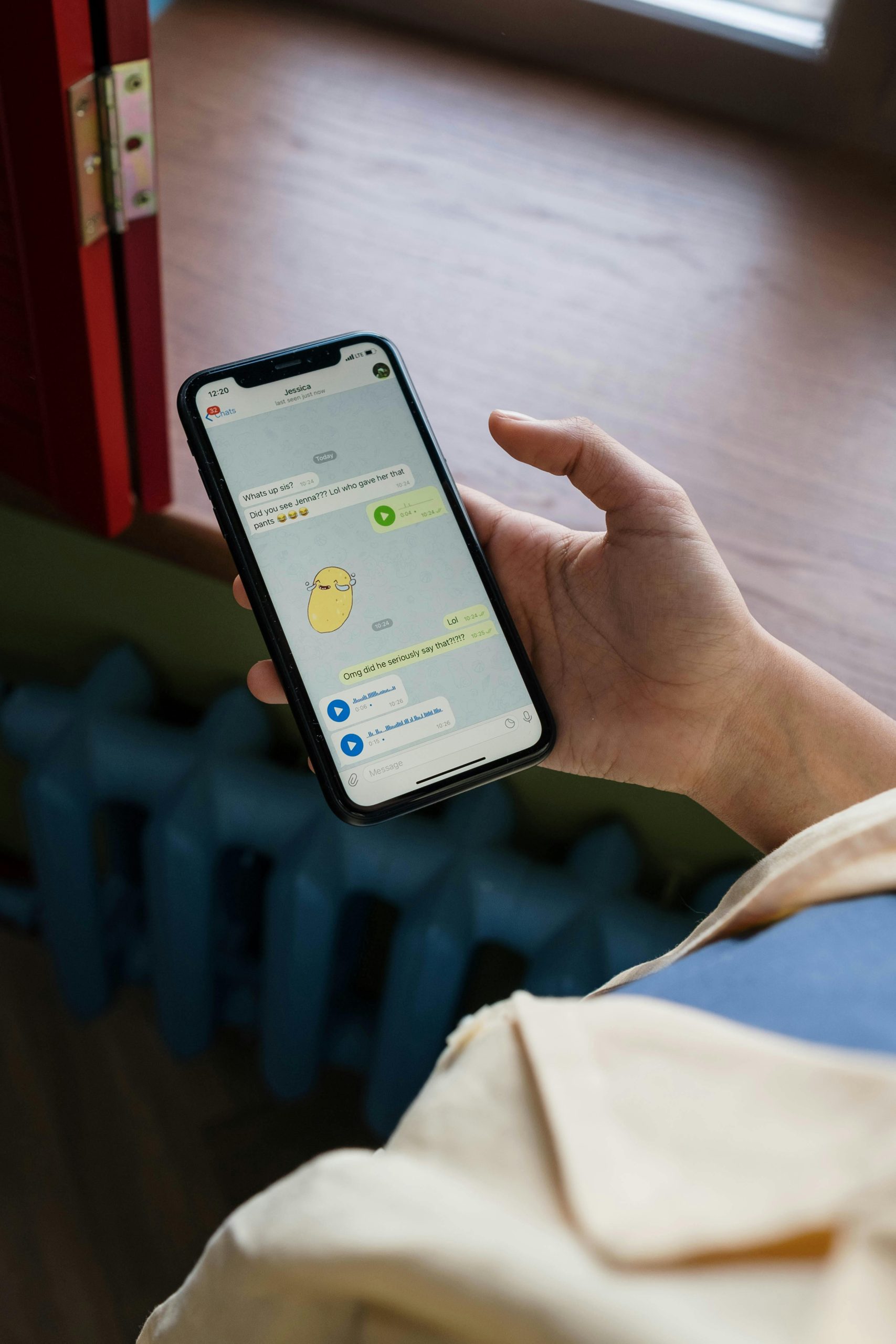
Blue ticks on WhatsApp are a double-edged sword. While they confirm your message was delivered and read, they also create social pressure to reply instantly. If you’ve ever felt anxious about opening a message because the sender will know you’ve read it, you’re not alone — millions of users worldwide search for ways to disable or bypass this feature every month.
The good news? WhatsApp itself offers built-in settings to control read receipts, and there are several clever workarounds that let you preview messages without triggering those telltale blue ticks. In this comprehensive guide, we’ll walk you through five legitimate, safe methods that work on both Android and iPhone in 2026.
Whether you’re a student wanting space before replying, a professional managing boundaries, or simply someone who values communication privacy — this guide is for you. No shady apps, no root access required.
This is the simplest and most reliable method. WhatsApp has a built-in toggle that disables blue ticks for all one-on-one conversations. When turned off, neither you nor your contacts will see read receipts in private chats.
Steps (Android & iPhone):
1️⃣ Open WhatsApp → tap the three-dot menu (Android) or Settings tab (iPhone).
2️⃣ Go to Settings → Privacy.
3️⃣ Scroll down to ‘Read Receipts’ and toggle it OFF.
4️⃣ Done! Blue ticks are now disabled for all private chats.
⚠️ Important: This does NOT work in group chats — group read receipts cannot be disabled. Also, you won’t be able to see when others read your messages either.
The Airplane Mode trick is a classic workaround that still works perfectly in 2026. By disconnecting from the internet before opening a chat, WhatsApp cannot send the ‘read’ status back to the server. The sender’s message stays on grey double ticks (delivered but not read).
Step-by-Step Instructions:
1️⃣ When you receive a notification, do NOT open WhatsApp yet.
2️⃣ Swipe down your notification shade and enable Airplane Mode (or go to Settings → Airplane Mode).
3️⃣ Now open WhatsApp and read the message. Take your time — no data is being sent.
4️⃣ Close WhatsApp completely (swipe it away from recent apps).
5️⃣ Turn off Airplane Mode. The blue ticks will NOT appear for the sender.
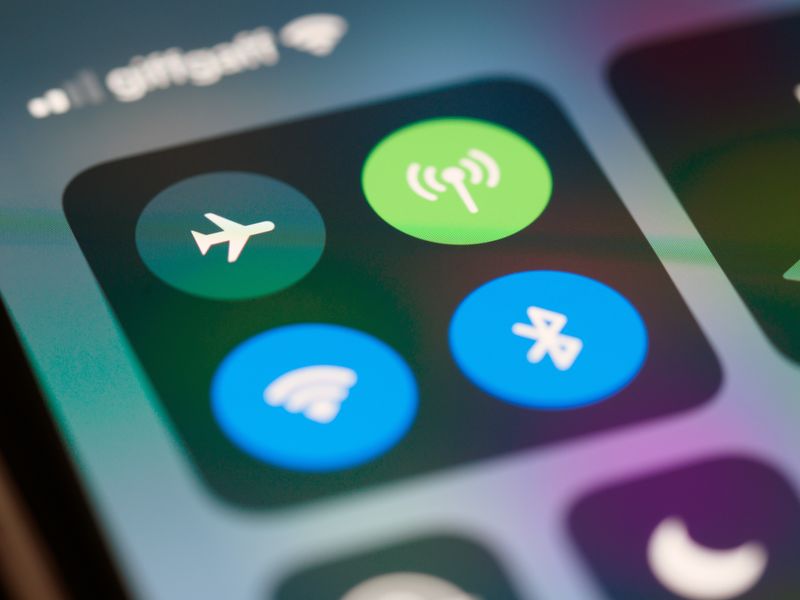
⚠️ Critical: You MUST close WhatsApp before turning Airplane Mode off. If the app is still open when connectivity returns, the read receipt will be sent immediately.
Both Android and iPhone show message previews in the notification bar or lock screen. You can read short messages entirely without ever opening WhatsApp — meaning no blue ticks are triggered. This is perfect for quick messages like ‘OK’, ‘Call me’, or short questions.
How to Enable Full Previews:
📱 Android: Settings → Notifications → WhatsApp → ensure ‘Show content’ is enabled for lock screen and notification shade.
🍎 iPhone: Settings → Notifications → WhatsApp → Show Previews → Always.
💡 Tip: On Android, long-press the notification to expand and see more text without opening the app.
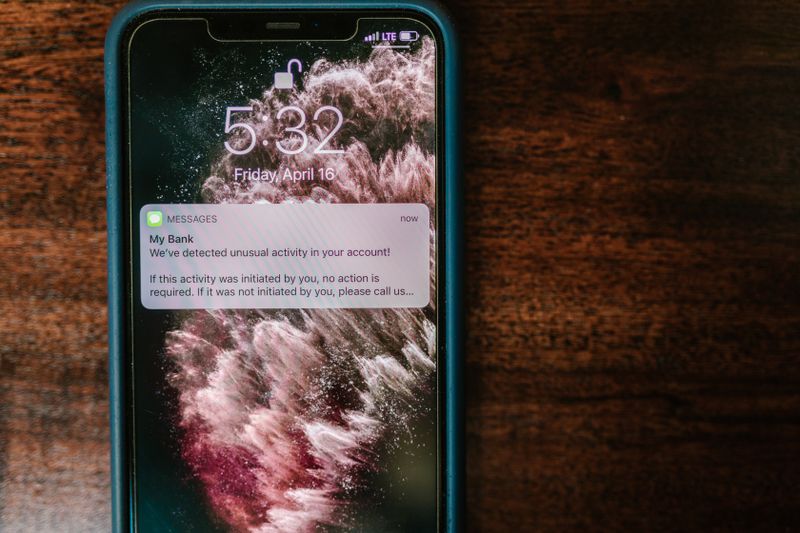
⚠️ Limitation: Notifications typically show only the first 100–150 characters. Longer messages will be truncated. Media (photos, videos) won’t display in the preview.
Android users can add a WhatsApp widget to their home screen that displays recent messages in a scrollable list. Reading messages through the widget does not trigger blue ticks because you’re not technically opening the chat inside the app.
How to Add the Widget:
1️⃣ Long-press on your Android home screen → tap ‘Widgets’.
2️⃣ Scroll to find ‘WhatsApp’ → select the 4×2 or 4×4 widget size.
3️⃣ Place it on your home screen. New messages will appear here without triggering read receipts.
⚠️ Note: This method is Android-exclusive. iPhone does not support WhatsApp home screen widgets with message previews as of 2026.
While archiving a chat doesn’t prevent blue ticks by itself, combining it with other methods creates a workflow for managing privacy. Archive chats you want to delay reading, then use Airplane Mode when you’re ready to peek at the message.
Workflow:
1️⃣ Long-press the chat → tap Archive. The chat moves out of your main list.
2️⃣ When ready to read, enable Airplane Mode first.
3️⃣ Open the archived chat, read at your pace, close WhatsApp, then disable Airplane Mode.
💡 This is ideal for people who want to batch-read messages at specific times without the pressure of immediate replies.
| Method | Works On | Full Message? | Limitation |
|---|---|---|---|
| Turn Off Read Receipts | Android & iPhone | ✅ Yes | Groups still show ticks |
| Airplane Mode | Android & iPhone | ✅ Yes | Must close app before reconnecting |
| Notification Preview | Android & iPhone | ⚠️ Partial | Only first ~100 characters |
| WhatsApp Widget | Android only | ⚠️ Partial | Limited text visible |
| Archive Chat | Android & iPhone | ❌ No | Hides chat, doesn’t prevent ticks |

No. WhatsApp does not allow you to disable read receipts for group chats or voice messages. The sender will always see when you have read or listened to them.
No, disabling read receipts works both ways. If you choose not to send read receipts, you will also lose the ability to see when other people read your messages.
Yes, it works, but you must be incredibly careful to force-close the WhatsApp application from your phone’s background task manager before you turn Airplane Mode off. If it remains open in the background, it will sync immediately upon reconnecting to the internet.
While apps like “Unseen” exist on the Google Play Store, we do not recommend them. Providing third-party applications access to your notifications poses a significant privacy and security risk.
No. Expanding a notification on iOS or Android does not trigger the app’s read receipt protocol. The message remains “unread” as far as WhatsApp’s servers are concerned.
