Physical Address
304 North Cardinal St.
Dorchester Center, MA 02124
Physical Address
304 North Cardinal St.
Dorchester Center, MA 02124

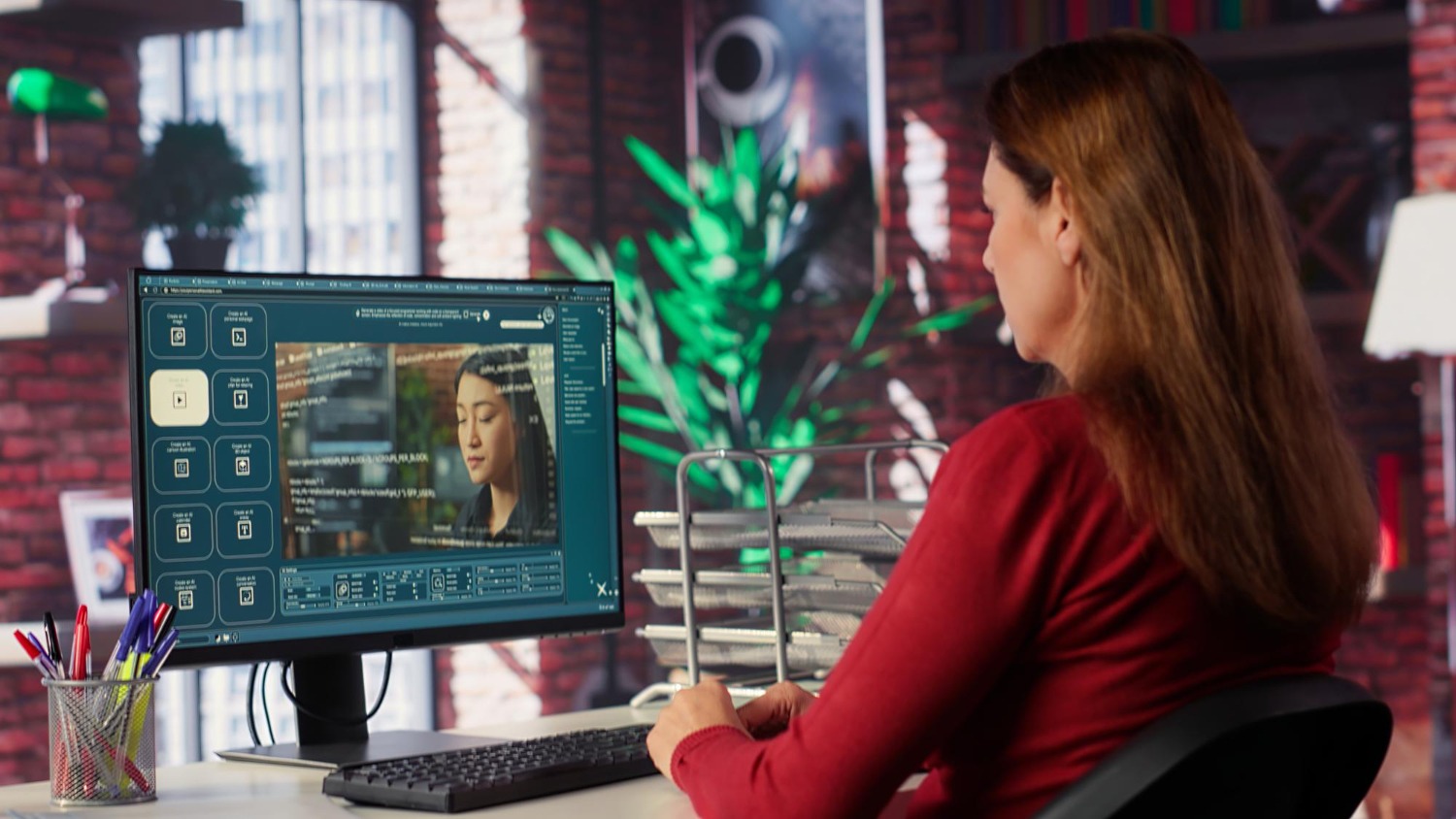
With applications like Midjourney, DALL-E, and Stable Diffusion, generating images with AI has become one of the most in-demand skills in digital design. That’s what everyone is struggling with, however: you come across an amazing reference image with everything you want set up — lighting, space arrangement and mood of just the right type — but you just don’t know how to say such thing in print. You type “beautiful landscape with warm lighting” and the result looks nothing like what you had in mind.
At present, this gap between what one sees and what one can say is in fact the biggest bottleneck for AI art. Reverse image prompting has been specifically designed to deal with this problem.
Reverse image prompting is turning an existing photograph or artwork into a structured text description which an AI generator can understand. Rather than guessing the words that might give the desired look, you pull the visual recipe from a reference image and use that to produce fresh, original variations with the same aesthetic DNA.
For designers, content creators, and marketing teams creating large-scale visual assets, this workflow allows them to bypass countless hours of trial-and-error and instead replaces it with a consistent and predictable creative process.
People tend to do AI image generation the same way: They open a generator, type a short description, hit generate, and hope it works. When the result doesn’t match the vision, they refine a few words, regenerate and continue. This cycle can smolder through dozens of tries before arriving at something usable.
The rationale is the simple one. Human language is not precise when describing visual details. When you say “cinematic lighting,” that line might apply to hundreds of different setups. Hard side light? Soft diffused backlight? Golden hour warmth? Cool blue moonlight? Every one of those creates an entirely different affective state, but the term “cinematic lighting” doesn’t specify which one is in use.
Professional photographers and cinematographers have created precise vocabularies for referring to visual parameters: key-to-fill ratios, color temperature in Kelvin, focal length compression, bokeh shape. AI generators feed on this level of specificity well, but most people don’t even know what these terms mean or what to do with them.
It is this reverse approach where all of that magic happens. Rather than creating a prompt out of your imagination and hoping it fits your vision, you begin with a finished image that already comes the way you expect to see it. Then you decode it.
Dissecting a reference image into a usable prompt can be organized, as each element is arranged from the broadest to the finest details.
You begin with the subject and composition. What’s the main interest of the image? Is it a person, a piece of equipment, a landscape or an abstract figure? Is the subject in focus, using the rule of thirds or in some way unusual angles? These are details for layering the prompt.
Then you consider the lighting. This is probably the most crucial component, since lighting sets the entire emotional tenor of an image. You want to know the direction of the light, whether it is hard or soft, the color temperature, and whether there is more than one light source. A flat-lay product shot lit by a single north-facing window gives a fundamentally different feel compared to the same product lit by a ring light from directly above.
Once you’ve placed your light, you look at the color palette and post-processing style. Is the image warm-toned or cool? Are the colors saturated and bright or muted and desaturated? Is it overlaid by film grain, or is it clean and digital? These stylistic choices lend an image its unique personality, and need to be captured in your prompt to reproduce that personality in generated variations.
You will end up with the rendering style and medium. Is that a photograph or a graphic? Is it a 3D digital illustration? Even if every other item of the prompt remains the same, specifying “shot on 35mm Kodak Portra 400” will yield radically different results than “digital concept art” or “oil painting on canvas.”
For individual creators testing with AI-generated art, the trial-and-error part is a minor nuisance. But inconsistent results are grave operational issues for businesses and agencies creating visual content at scale.
Think about a marketing team creating a campaign for Instagram, their website, email newsletters, paid ads. All touchpoints must have a unified visual identity. If the hero banner has warm, earthy tones with soft natural light but the social media assets come out cold and stark, the campaign looks disjointed. Customers notice this, even those unable to articulate why the brand feels “off”.
The same problem occurs with traditional stock photography. Sourcing five matching images from stock libraries is nearly impossible since each was taken by a different photographer with different equipment and artistic style. You devote hours to searching, and the end result appears to be yet another patchwork.
Reverse image prompting addresses both problems at the same time. You decode a single reference image that crystallizes your campaign’s visual identity. That decoded prompt is your “style seed.” Every image you generate from that seed stays with perfect aesthetic consistency since they are all made up of the same visual DNA. You can shift the subject material, reframe, and change details while locking the foundational style.
For teams needing this level of control, the ImaginPrompt AI Image prompt creator automates the decoding process. Rather than analyzing every visual parameter yourself, the tool reads the reference image and makes a production-ready prompt that captures lighting, composition, color grading, and stylistic elements. This reduces the reverse engineering time from thirty minutes of manual analysis to seconds.
Even with a solid method of decoding, there are pitfalls in this direction that continuously bring about underwhelming results.
The commonest mistake is being too vague about lighting. Saying “natural light” tells the AI virtually nothing practical. Midday sun in the Sahara Desert and natural light at dusk in Scandinavia are worlds apart. Describe the direction, the quality, the color temperature, and the intensity. “Soft warm light from a big window on the left, late afternoon golden hour” provides the generator with dramatically more to work with.
Ignoring negative prompts is another common mistake. Knowing what you do not want in an image is as important as knowing what you do want. If your reference image has a clean, minimal background, you need to exclude clutter, text, watermarks and the like. Without negative prompts, generators often inject unwanted details that ruin the clean look you are trying to reproduce.
Another trap is to layer conflicting descriptors on top of prompts. If your prompt requests simultaneously “bright vibrant colors” and “muted desaturated palette,” the generator has to guess which instruction to follow, and so gets a mixed compromise that corresponds to neither. Internally, prompts should echo a given direction, with every element serving to amplify the same visual direction.
AI image generators interpret prompts differently. A prompt that hits all the right notes in Midjourney would generate something mediocre on Stable Diffusion or DALL-E. Knowing the vocabulary preferences of each platform helps you contextualize your decoded prompts.
Midjourney performs better on artistic and emotional descriptors. There are certain keywords — including “ethereal,” “moody,” “cinematic” — and specific photographers or art movements that typically get very strong results. Midjourney also works with model-specific parameters such as aspect ratios, stylize values and chaos settings which adjust the output.
The Stable Diffusion model, especially the more recent SDXL and Flux models, wins in terms of technical and structural descriptions. Knowing precise camera settings, lens types and post-processing styles yields more predictable end-results. Stable Diffusion also incorporates ControlNet and other guidance features that provide precision in addition to the text prompt alone.
DALL-E respects clarity of expression in natural language. Shorter, conversational prompts are frequently superior to highly technical ones since the model was trained to read ordinary language. Concentrating on clear subject descriptions and straightforward stylistic modifiers works better than convoluted technical requirements.
A good reverse engineering workflow makes room for all these platform differences, creating a core prompt from the reference image and tailoring wording for whatever generator you will use next.
One of the few underserved advantages of reverse image prompting is the possibility of developing a reusable prompt library over time. Every time you decode a reference image, you make one more text asset which may be stored, organized, marked up as such, and recycled again in future projects.
Experienced creators set up their prompt libraries according to visual design, lighting set-up, color scheme, and use case. When a new project brief arrives, they retrieve a relevant prompt seed from the library, make minor alterations, and start generating in minutes instead of reworking the process from scratch.
Over time, this library approach compounds itself. After six months of repeated reverse engineering, you have a curated repository of successful prompt seeds covering diverse styles and contexts. Projects that would have taken hours of experimentation can now be run in a fraction of the time with predictable quality and consistent brand alignment.
The creative pipeline for visual content has traditionally been linear: think of an idea, source or make something, edit and refine, then share. Reverse image prompting provides a powerful new way into this pipeline by making any existing image an entry point to endless original variations.
For freelance designers, small agencies and solo founders who don’t have access to dedicated photography teams, this is an opening. The quality gap is narrowing between rich brands and bootstrapped startups since access to more advanced visual creation tools cannot be restricted by costly hardware and studio budgets.
Creators who invest now in honing prompt engineering and reverse image workflows are developing skills that will only become more crucial as generative AI tools advance. Translating a visual intention into exact language is quickly becoming as core to digital design as color theory or typography.
Whether you’re building a personal brand, scaling a creative agency, or introducing a product, the ability to decode any visual reference and reproduce its essence on demand is a competitive advantage that builds upon each project you complete.
