Physical Address
304 North Cardinal St.
Dorchester Center, MA 02124
Physical Address
304 North Cardinal St.
Dorchester Center, MA 02124

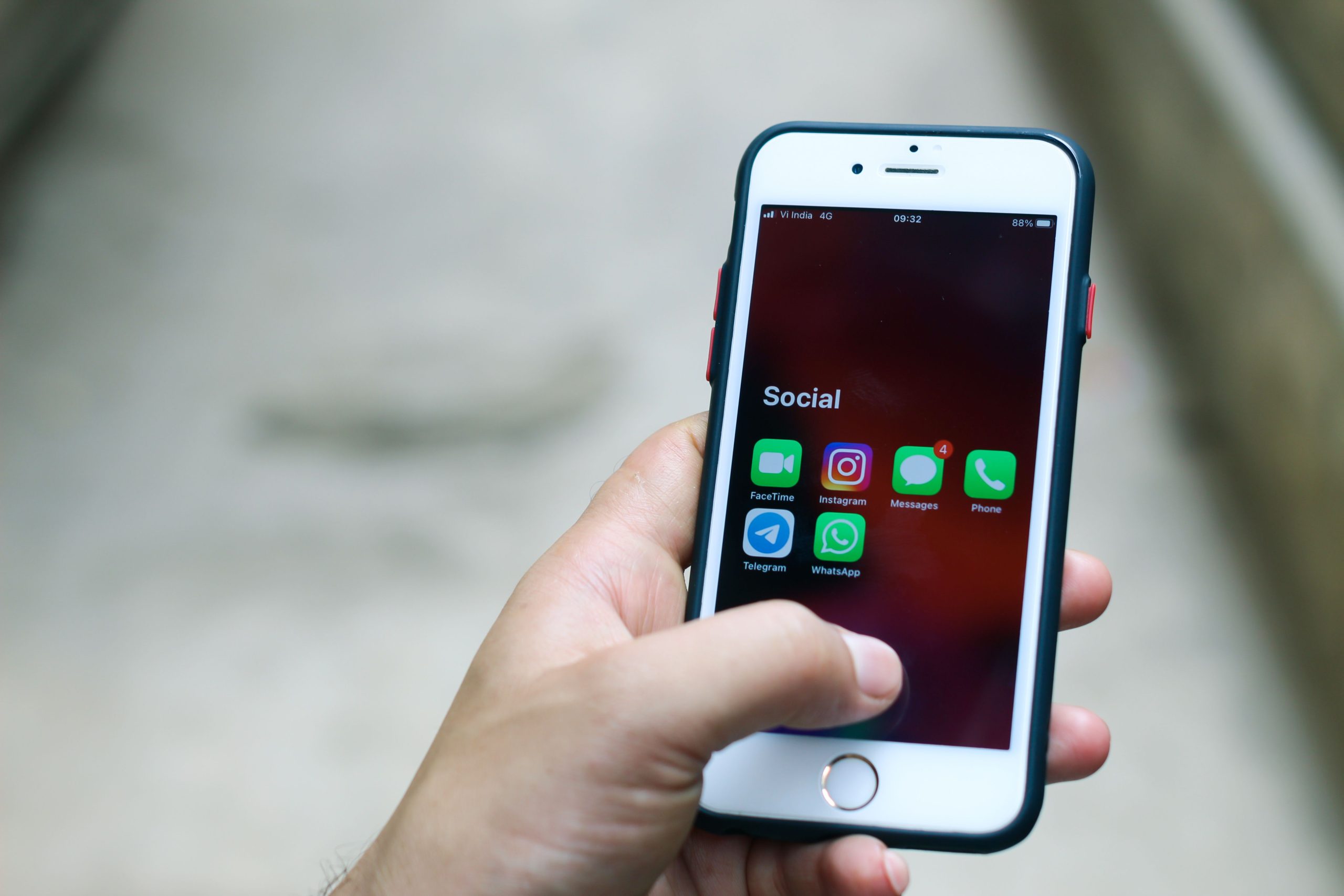
Managing personal and business conversations on a single phone used to be a headache. Today, both Android and iPhone officially support running two WhatsApp accounts simultaneously — no shady third-party apps required. In this guide, you’ll learn every legitimate method available in 2026, along with security tips and troubleshooting advice.
WhatsApp now lets you add a second account directly within the app. Open WhatsApp → tap the overflow menu (⋮) → Settings → Add Account. You’ll need a second phone number (your dual-SIM number works perfectly). Once added, you can switch between accounts by tapping your profile icon. Notifications arrive separately for each account.
Many Android phones have a built-in app cloning feature. On Samsung: Settings → Advanced Features → Dual Messenger → enable WhatsApp. On Xiaomi: Settings → Apps → Dual Apps. This creates a second WhatsApp icon on your home screen tied to your second SIM. Both instances run independently with separate notifications.
Install WhatsApp Business from the Play Store alongside regular WhatsApp. Register it with your second number. You get a separate app with business features like auto-replies, catalogs, and labels — while keeping personal WhatsApp untouched.
The most reliable method on iPhone is to install both WhatsApp and WhatsApp Business from the App Store. Register each with a different phone number. Both apps run simultaneously with independent notifications, chats, and backups. This is officially supported by WhatsApp and requires no jailbreaking.
Starting with iOS 18, WhatsApp supports adding a second account within the same app — just like Android. Go to Settings inside WhatsApp → Add Account → verify your second number. You can switch accounts with a single tap. Both accounts share the same app but keep chats, media, and notifications completely separate.
WhatsApp Business is a free, separate app designed for small businesses. It offers a business profile, automated greeting messages, quick replies, labels for organizing chats, and a product catalog. You can use it alongside regular WhatsApp on the same device — each registered to a different number. It’s not just for businesses; anyone who wants a second WhatsApp account can use it. The interface is nearly identical to regular WhatsApp.
• Always enable two-step verification on both accounts (Settings → Account → Two-step verification).
• Never use unofficial “dual WhatsApp” APKs — they can steal your data or get your number banned.
• Keep both apps updated to the latest version from official app stores.
• Use biometric lock (fingerprint/face) on each WhatsApp account for extra privacy.
• Back up each account separately to avoid mixing personal and business data.
• If using Dual Messenger on Android, note that the cloned app may not receive updates as quickly.
No. Every WhatsApp account requires a unique, active phone number to complete the initial SMS or voice verification process.
Running a cloned app or keeping two active accounts active can slightly increase background RAM use and processing power, but the impact on modern smartphone battery life is negligible.
No, both accounts act completely independently. Contacts will only see the profile details and online status linked to the specific number they have saved.
Yes, but only if you use the WhatsApp Business application, which offers a voice call alternative to receive your verification code.
Yes. As long as you stick to the official WhatsApp application or native smartphone cloning utilities, your chats remain fully protected by end-to-end encryption.
Ali Ahmed
Tech writer and smartphone specialist focusing on messaging app optimization, tips, tricks, and digital privacy guides.
