Physical Address
304 North Cardinal St.
Dorchester Center, MA 02124
Physical Address
304 North Cardinal St.
Dorchester Center, MA 02124

With over 2.5 billion active users worldwide, WhatsApp is the most popular messaging app on the planet. From sharing family photos to conducting business meetings, millions rely on it daily. But as cyber threats evolve and data privacy concerns intensify, a critical question remains: Is WhatsApp actually safe?
Whether you’re a professional sending sensitive documents, a parent coordinating with your child’s school, or someone managing online banking notifications through WhatsApp — understanding its security architecture isn’t optional anymore. It’s essential.
In this comprehensive guide, we’ll examine WhatsApp’s security features from the ground up, analyze what data it collects, explore common threats, and give you actionable steps to maximize your privacy. This article is written for everyday users who want clear, honest answers without the technical jargon.
WhatsApp is a free, cross-platform messaging application owned by Meta (formerly Facebook). It allows users to send text messages, voice messages, images, documents, and make voice and video calls over an internet connection. Available on Android, iOS, Windows, macOS, and web browsers, it has become the default communication tool in over 180 countries.
Security matters because WhatsApp conversations often contain highly sensitive information — bank OTPs, medical reports, business contracts, personal photographs, and location data. A security breach doesn’t just expose messages; it can lead to identity theft, financial fraud, blackmail, and reputational damage. Understanding WhatsApp’s security model helps you make informed decisions about what to share and how to protect yourself.
WhatsApp’s strongest security feature is end-to-end encryption (E2EE), powered by the Signal Protocol — the same technology used by the Signal app, widely regarded as the gold standard in secure messaging. This encryption was rolled out globally in April 2016 and covers all forms of communication on the platform.
End-to-end encryption means that only you and the person you’re communicating with can read what’s sent. Nobody in between — not WhatsApp, not Meta, not hackers intercepting your Wi-Fi, and not even government agencies — can decrypt your messages. Each message is secured with a unique lock, and only the recipient’s device holds the key.
This applies to text messages, photos, videos, voice messages, documents, status updates, and calls. Even group chats are encrypted, meaning every participant’s messages are individually encrypted for each member of the group.
When you first install WhatsApp, your device generates a pair of cryptographic keys — a public key and a private key. Your public key is shared with WhatsApp’s servers and distributed to people who message you. Your private key never leaves your device. When someone sends you a message, their app encrypts it using your public key. Only your private key can decrypt it, and since that key exists solely on your phone, the message remains unreadable to anyone else during transit.
You can verify encryption with any contact by comparing security codes. Go to a contact’s info page, tap ‘Encryption,’ and you’ll see a 60-digit number or QR code. If both parties see the same code, your conversation is securely encrypted. This is especially important for high-sensitivity communications with colleagues or financial advisors.
While your message content is encrypted, WhatsApp does collect significant amounts of metadata and account information. Understanding the distinction between content and metadata is crucial for assessing your actual privacy level.
According to WhatsApp’s privacy policy, the app collects: your phone number, device information (model, operating system, battery level, signal strength), IP address, contacts list, profile photo, status, usage patterns (how often you open the app, which features you use), and transaction data if you use WhatsApp Pay.
Since the controversial 2021 privacy policy update, WhatsApp shares certain data with Meta’s family of companies (Facebook, Instagram) for purposes including improving infrastructure, understanding usage patterns, and — for business interactions — enabling targeted advertising on other Meta platforms.
Metadata reveals who you talk to, when, how frequently, for how long, and from where. Intelligence agencies have publicly acknowledged that metadata can be more revealing than content itself. Knowing that someone called a divorce lawyer at 2 AM, then called a real estate agent the next morning, tells a story without reading a single message.
WhatsApp’s metadata collection is a legitimate privacy concern, especially given Meta’s history of data controversies. While your messages remain private, your communication patterns and behaviors are visible to the company. For most users, this trade-off is acceptable given the free service and strong content encryption — but it’s important to be aware of it.
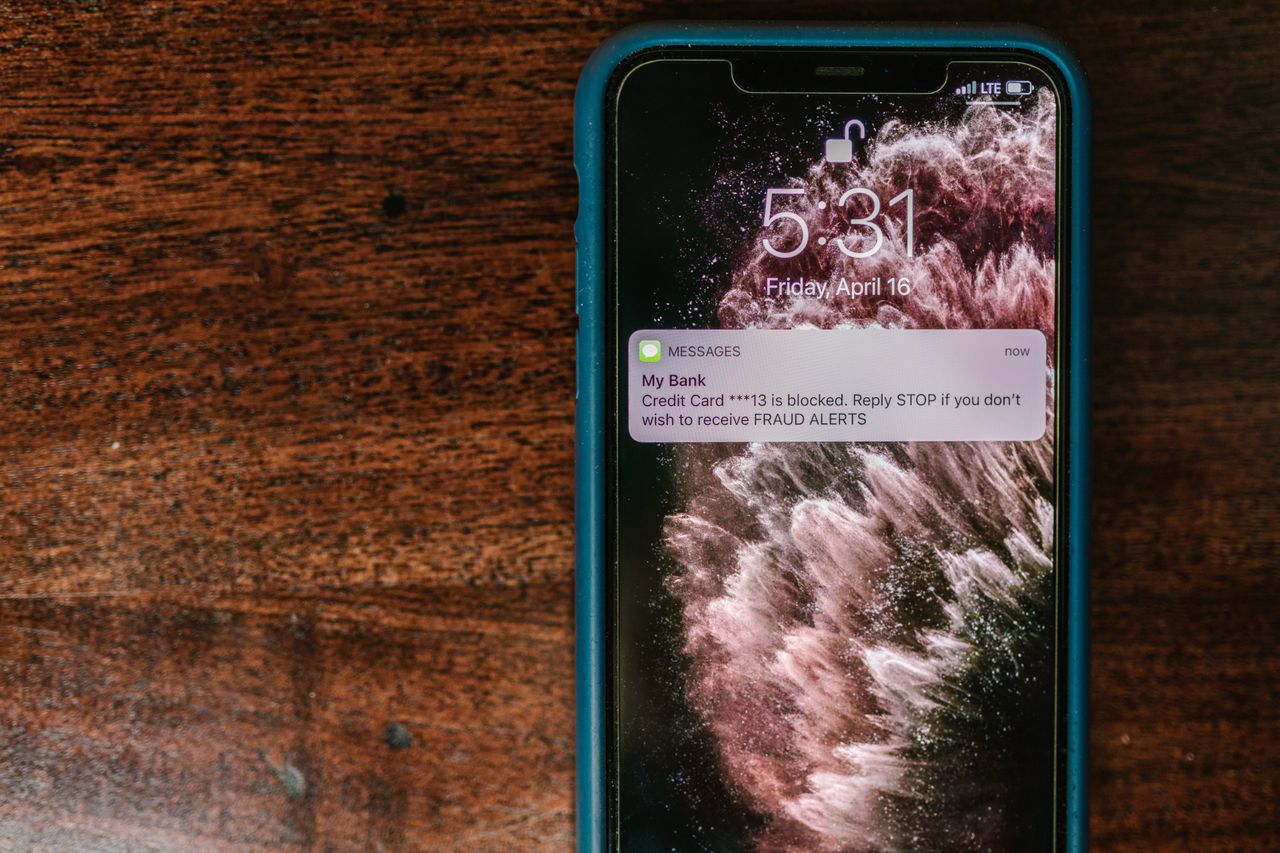
While WhatsApp’s encryption protects your messages in transit, most attacks target the human element — tricking you into giving up access or sensitive information. Here are the five most common threats facing WhatsApp users today:
A scammer contacts you (often pretending to be a friend whose account was already compromised) asking you to forward a 6-digit code you received via SMS. That code is actually your WhatsApp verification code — sharing it gives the attacker full control of your account. Never share your verification code with anyone, under any circumstances. WhatsApp will never ask for it.
Attackers send messages containing links that mimic legitimate websites — banks, delivery services, government portals, or even WhatsApp itself. These fake sites steal your login credentials, personal data, or install malware. Always verify URLs carefully, avoid clicking links from unknown contacts, and never enter passwords on pages opened through WhatsApp messages.
Messages circulate claiming you can upgrade to ‘WhatsApp Gold’ or ‘WhatsApp Premium’ with exclusive features. These links install malware or lead to phishing pages. There is no premium version of WhatsApp — it’s always free. Report and delete such messages immediately.
Criminals convince your mobile carrier to transfer your phone number to a new SIM card they control. Once they have your number, they can receive your WhatsApp verification code and take over your account. Protect yourself by enabling two-step verification (which adds a PIN requirement) and setting a PIN/password with your carrier for SIM changes.
In 2019, the Pegasus spyware exploited a WhatsApp vulnerability to install surveillance software via a missed call — the target didn’t even need to answer. While such zero-click exploits primarily target journalists, activists, and political figures, they highlight the importance of keeping WhatsApp updated. Always install updates promptly, as they frequently patch critical security vulnerabilities.
WhatsApp offers several privacy controls that many users never configure. Taking five minutes to adjust these settings dramatically improves your security posture. Here’s what to change right now:
Go to Settings → Privacy. Set ‘Last Seen,’ ‘Profile Photo,’ and ‘About’ to ‘My Contacts’ or ‘Nobody.’ This prevents strangers and potential scammers from seeing when you were last online, viewing your photo (which could be used for impersonation), or reading your bio. For the ‘Status’ option, restrict it to ‘My Contacts’ to keep your updates visible only to people you know.
Under Settings → Privacy, toggle off ‘Read Receipts.’ This prevents others from knowing when you’ve read their messages (the blue double-check disappears). While primarily a social preference, it also prevents stalkers or scammers from confirming you’ve seen their messages, which they might use to escalate pressure tactics.
Navigate to Settings → Privacy → Groups and select ‘My Contacts’ or ‘My Contacts Except…’ This prevents random numbers from adding you to spam groups, scam groups, or inappropriate content groups. You’ll receive an invitation link instead, which you can choose to accept or ignore.
Go to Settings → Chats → Chat Backup → End-to-End Encrypted Backup and turn it on. Set a strong password or use a 64-digit encryption key. By default, WhatsApp backups stored on Google Drive or iCloud are NOT encrypted — meaning Google or Apple (and potentially law enforcement) can access your chat history. Enabling encrypted backups closes this significant privacy gap.
Under Settings → Privacy → Fingerprint Lock (Android) or Screen Lock (iOS), enable biometric authentication. Choose ‘Immediately’ for the lock timer. This ensures that even if someone picks up your unlocked phone, they cannot open WhatsApp without your fingerprint or face scan. It’s your last line of defense against physical access.
Two-step verification is arguably the single most important security feature you can enable on WhatsApp. It adds a 6-digit PIN that’s required whenever you (or anyone else) tries to register your phone number with WhatsApp on a new device. Without this PIN, even if a hacker obtains your SMS verification code through SIM swapping, they cannot complete the account takeover.
Despite its critical importance, a surprisingly large percentage of WhatsApp users haven’t enabled this feature. If you do nothing else after reading this article, enable two-step verification immediately.
Open WhatsApp → Settings → Account → Two-Step Verification → Enable. Choose a 6-digit PIN that you’ll remember but others can’t guess (avoid birthdays, 123456, or repeating numbers). You’ll also be asked to provide an email address — this is your recovery option if you forget the PIN, so use a secure email that only you can access.
WhatsApp will periodically ask you to re-enter this PIN to ensure you don’t forget it. Never share this PIN with anyone — WhatsApp support will never ask for it. If you receive an email to reset your two-step verification PIN and you didn’t request it, someone is trying to access your account. Do not click the link, and consider it a warning sign.

If you’re a parent or caregiver, extending your security awareness to family members is essential. Elderly parents are particularly vulnerable to scams — messages claiming a grandchild is in trouble and needs money immediately are devastatingly effective. Teach them to always verify such claims by calling the person directly on a known number.
For children and teenagers, set up their WhatsApp privacy settings to the strictest levels. Restrict who can see their profile photo, last seen, and about information to ‘My Contacts’ only. Enable two-step verification on their accounts and ensure group settings prevent strangers from adding them.
Establish a family rule: never click links in messages from unknown numbers, never share verification codes, and always verify unusual requests (especially involving money) through a phone call or in person. Create a family code word that can be used to verify identity in emergency situations.
Regularly check in with family members about suspicious messages they’ve received. Many people feel embarrassed about falling for scams and don’t report them. Creating an open, non-judgmental environment where family members can share concerns helps everyone stay safer.
No. Thanks to end-to-end encryption, WhatsApp cannot read the content of your messages, view your photos, or listen to your calls. The encryption keys exist only on the sender’s and recipient’s devices. However, WhatsApp can see metadata — who you message, when, and how often.
Significantly, yes. SMS messages are transmitted in plain text and can be intercepted by your mobile carrier, hackers, or government surveillance. WhatsApp’s end-to-end encryption makes it vastly more secure for private communication than traditional SMS.
Knowing your phone number alone isn’t enough to hack your account — but it’s the first step. An attacker would also need your SMS verification code or to perform a SIM swap. This is exactly why two-step verification is critical: even with your verification code, they’d still need your 6-digit PIN.
Yes. All WhatsApp voice and video calls are end-to-end encrypted, just like messages. No one — including WhatsApp — can listen to your calls. This makes WhatsApp calls significantly more private than traditional phone calls, which can be intercepted at the carrier level.
It depends on your privacy threshold. WhatsApp shares metadata (not message content) with Meta, including usage patterns, device info, and interaction data with businesses. If metadata collection concerns you, consider limiting WhatsApp Business interactions and reviewing alternatives like Signal for your most sensitive conversations.
Immediately log back in to WhatsApp with your phone number — this will log out the hacker. You’ll receive a new verification code via SMS. Once logged in, enable two-step verification immediately. Alert your contacts that your account was compromised (the hacker may have sent scam messages from your account). Report the incident to WhatsApp via Settings → Help → Contact Us. If you cannot regain access, email [email protected] with ‘Lost/Stolen’ in the subject line and your phone number in international format.
Yes — WhatsApp is fundamentally safe for everyday communication. Its end-to-end encryption is robust, well-implemented, and based on the trusted Signal Protocol. For the vast majority of users, it provides a level of message security that far exceeds SMS, email, and many competing platforms.
However, ‘safe’ doesn’t mean ‘perfect.’ WhatsApp’s metadata collection, its relationship with Meta, the default unencrypted backups, and vulnerability to social engineering attacks are legitimate concerns. The platform’s security is only as strong as your weakest setting — and by default, several critical protections are turned off.
Disclaimer: This article is for informational purposes only and reflects publicly available information as of June 2026. Security landscapes change rapidly — always refer to WhatsApp’s official security documentation for the most current guidance. The author has no affiliation with Meta or WhatsApp.
