Physical Address
304 North Cardinal St.
Dorchester Center, MA 02124
Physical Address
304 North Cardinal St.
Dorchester Center, MA 02124

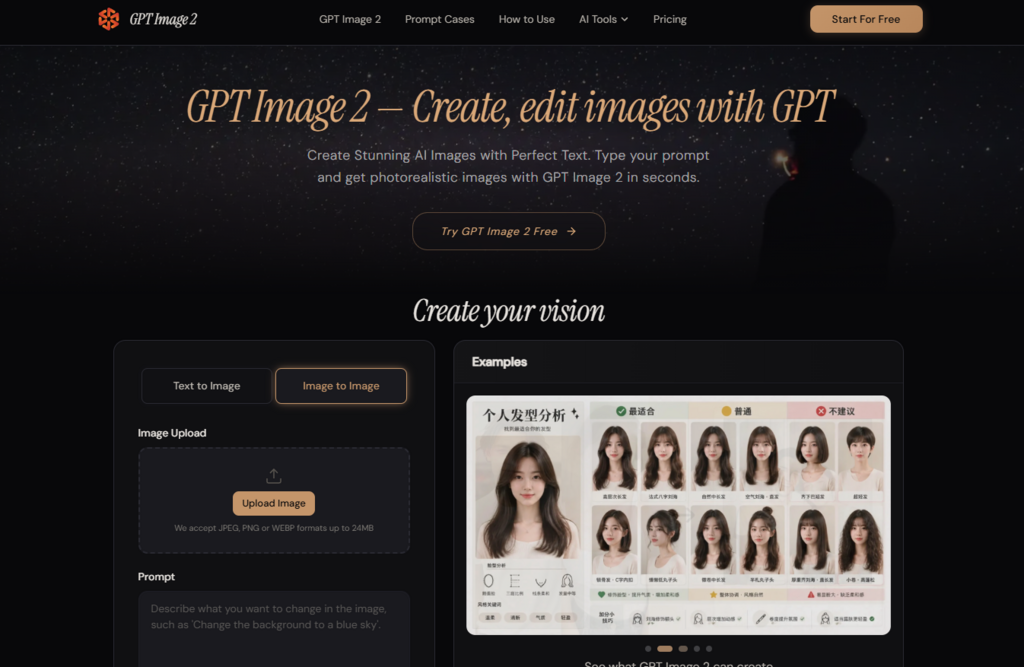
AI image platforms are no longer judged only by whether they can make something visually impressive. That stage of curiosity has mostly passed. The harder question now is whether a tool can support an actual creative workflow: a campaign draft, a product visual, a teaching slide, a social post, or a brand concept that may need several rounds of adjustment. That is the angle from which I looked at gpt image 2, because its official pages position it not just as a generator, but as a practical image creation and editing space.
This distinction matters. A beautiful one-off image can be exciting, but most people working with AI visuals need something more repeatable. They need to describe an idea, select a suitable format, adjust the result, and sometimes use a reference image to keep the output closer to a visual direction. The official site presents exactly that kind of process: text-to-image generation, image-to-image editing, common aspect ratios, transparent background support, and downloadable outputs in familiar formats.
Rather than treating the platform as another broad AI image toy, I evaluated it as a possible working layer between an idea and a finished visual asset. The result is a more grounded way to understand its value. It appears strongest when the user already knows the communication goal, then uses prompts and references to move quickly toward a usable image.
Many AI image tools are marketed through their best examples. That can be misleading because real users do not work with best-case examples. They work with unclear briefs, incomplete ideas, changing requirements, and time pressure. A useful tool must make the process less painful, not only the final image more attractive.
From that angle, this platform’s structure feels practical. It does not ask users to begin with technical settings or design-layer logic. The main interaction is natural language. A user describes the image, adds details about style or composition, and can use image input when a reference is needed. This lowers the creative entry barrier while still giving the user room to guide the output.
The official guidance makes prompt detail important. Instead of giving a short vague request, users are encouraged to describe subject, setting, lighting, style, composition, and text needs. That is not a minor instruction. It shapes the user’s mindset.
When a prompt includes the mood, frame, background, and intended use, the generation becomes less random. The user is not simply asking the model to imagine something. The user is giving it a clearer creative brief.
The best way to use this kind of platform is not to start with “make something cool.” It is better to start with the job the image needs to do. A product image has different demands from a poster. A social graphic has different demands from a classroom illustration. A UI concept has different demands from a decorative scene.
That is where gpt image 2 appears more useful than a purely experimental generator. Its official use cases point toward marketing, ecommerce, education, branding, social content, product visuals, and UI-related concepts. These are not identical tasks, but they share one thing: the image must serve a purpose.
The official workflow is simple enough to explain in a few stages. That simplicity is helpful because users who need visual content usually do not want to learn a complicated design environment before producing anything.
The first step is to write the prompt. This is where the user describes the subject, visual style, scene, color direction, lighting, composition, and any text that should appear inside the image.
A stronger prompt is not necessarily longer for the sake of length. It should give the system usable direction. For example, a user may describe the object, where it appears, what mood it should have, and how the image will be used.
For image-to-image work, the platform allows users to upload reference images and explain what should change. This is useful when the task begins with an existing visual rather than a blank page.
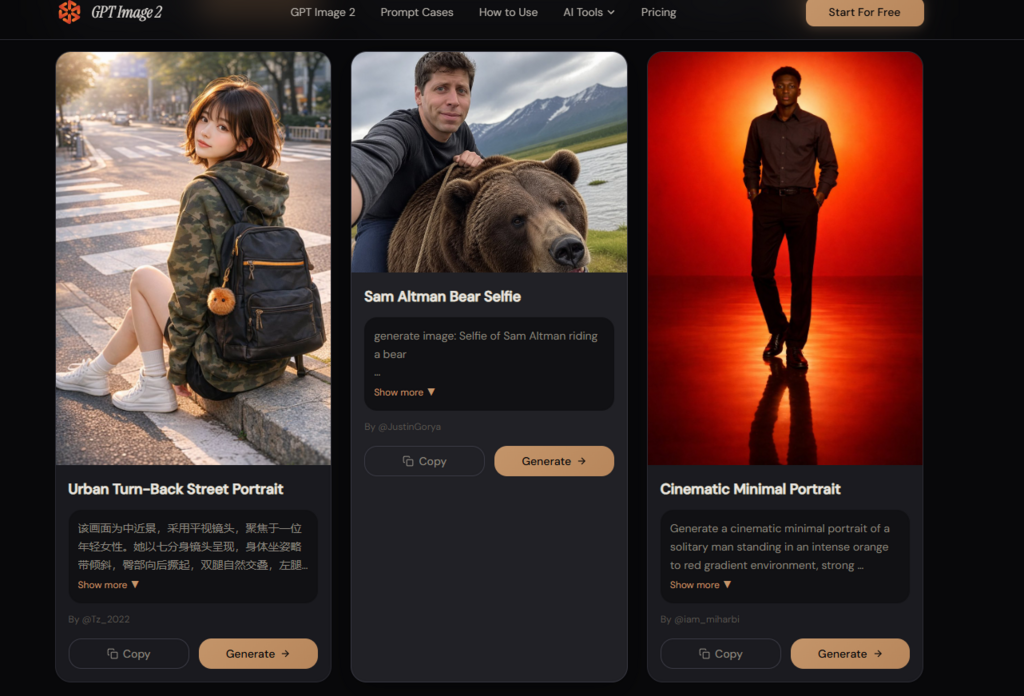
A reference image can guide composition, subject direction, or transformation intent. It does not remove the need for a clear prompt, but it gives the workflow a stronger starting anchor.
The site presents common output considerations such as aspect ratio, format, transparent background support, and resolution options. After setting the direction, the user generates the image and reviews the result.
A square image may suit a profile or product display. A vertical image may work better for mobile stories. A transparent PNG may be useful when the subject needs to be placed into another design.
The platform’s workflow also supports continued adjustment through natural-language instructions. This matters because the first result may be close but not final.
A tool becomes more useful when users can say what needs to change: soften the background, adjust the lighting, remove clutter, change the mood, or make the subject more suitable for the intended context.
A realistic evaluation should not ask whether the tool can impress once. It should ask whether it supports several common creative jobs without making the user feel lost.
| Test Area | Practical Task | What The Platform Appears To Support |
| Marketing visual | Create a campaign-style image with text | Prompt-based generation and text rendering focus |
| Product asset | Build or edit product-style visuals | Image-to-image editing and transparent background support |
| Social content | Produce images in common ratios | Multiple aspect ratio options |
| Presentation use | Make educational or explanatory visuals | Prompt-driven scene and concept generation |
| Brand exploration | Draft visual directions quickly | Style and composition control through prompts |
| Revision workflow | Adjust output after first result | Natural-language refinement |
For marketing and ecommerce, the most important details are often not artistic. They are practical. Is the subject clear? Does the text look readable? Is the background distracting? Can the visual fit into a banner, post, slide, or product page? Can the image be separated from the background if needed?
The platform’s emphasis on readable text and transparent background output is therefore relevant. These are not flashy features, but they are useful in production. A social media designer may need a clean subject cutout. A seller may want a product-like image that can be reused. A teacher may need a simple visual that communicates quickly. A founder may need a fast concept image before handing work to a designer.
The product should not be treated as a replacement for judgment. The official workflow makes image creation easier, but it does not remove the need to review results. Prompt quality still matters. Complex scenes may need several tries. Text-heavy images may still require careful checking. Reference-based editing can help guide the result, but it may not preserve every detail exactly as expected.
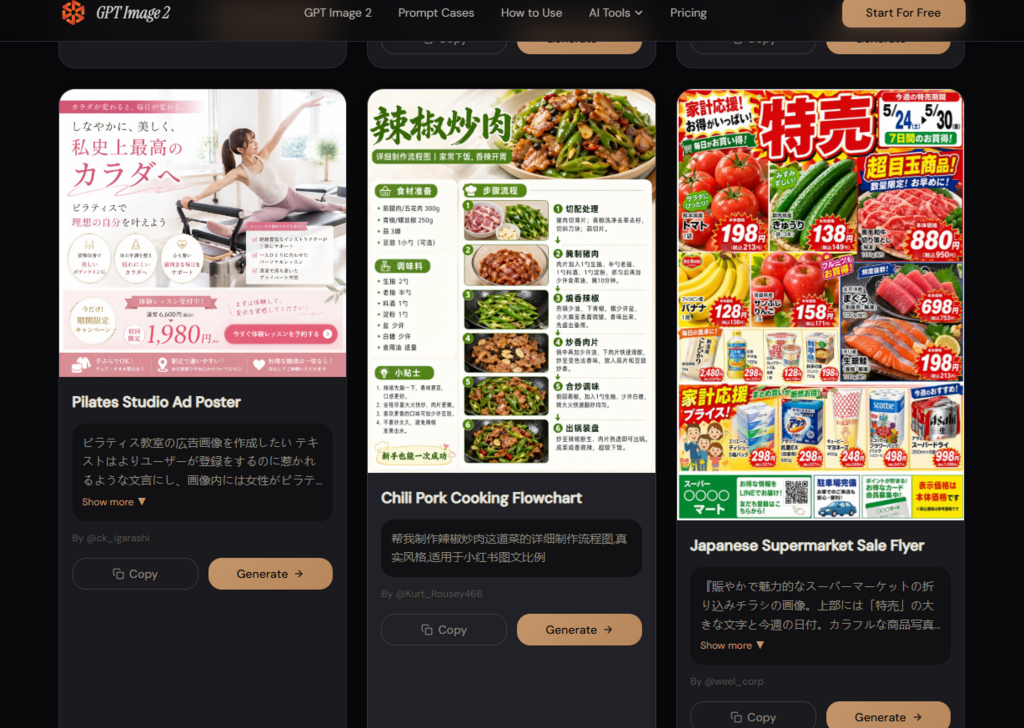
This is where expectations should stay realistic. The platform appears useful as a fast visual creation system, especially for people who know what they want to communicate. But the user still has to guide the tool, inspect the image, and decide whether the output fits the task.
The platform makes the most sense for users who need images as part of a larger work process. That includes marketers, small business owners, ecommerce teams, educators, content creators, and early-stage product teams. These users may not need a heavy design suite for every image. They need a way to move from intent to visual quickly, then revise without starting from zero.
Seen from that angle, the tool’s value is not only generation. It is workflow compression. It turns a written brief into a visual direction, gives users image editing options, supports practical output needs, and encourages iteration. That is a more believable strength than claiming it is perfect for everyone. It appears best for users who want faster image creation while still keeping enough control to shape the result.
