Physical Address
304 North Cardinal St.
Dorchester Center, MA 02124
Physical Address
304 North Cardinal St.
Dorchester Center, MA 02124

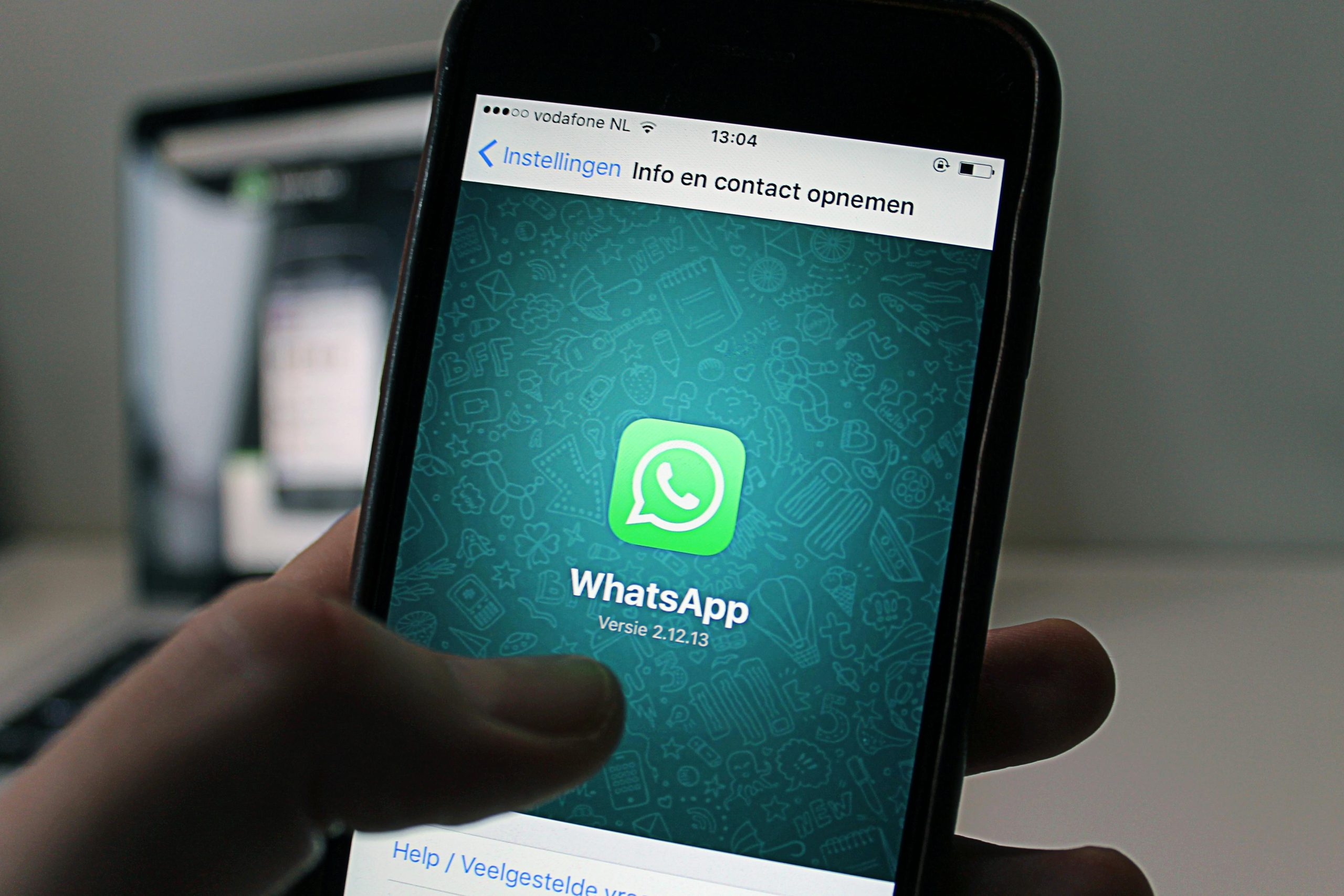
Privacy is more important than ever. Whether you want to separate your business communications from your personal life, protect your identity online, or set up an account while traveling, using WhatsApp without your personal phone number is highly requested. While WhatsApp requires *a* number to verify an account, it doesn’t have to be your *primary* SIM card. Here is exactly how to do it in 2026.
Virtual phone numbers are not tied to a physical SIM card. They work over the internet (VoIP) and allow you to receive the crucial verification SMS or call required by WhatsApp.
Google Voice (Best for US users, highly reliable), Skype Number (Paid, but rarely blocked by WhatsApp), TextNow (Free, but requires you to keep the app active).
Often completely free or very cheap. You can manage the number directly from your current smartphone alongside your real number.
Free numbers are often recycled. If you lose access to the virtual app, you might lose your WhatsApp account if you need to re-verify.
If you have a home or office landline, you can link it to WhatsApp. This is the absolute best method for small business owners who want to offer customer service without giving out their personal cell numbers.
Extremely reliable. Meta almost never flags landline numbers as spam. Adds a layer of professionalism for businesses.
You must be physically present at the landline location during the initial setup process to answer the phone call.
Modern smartphones support eSIMs (digital SIM cards). You can buy a cheap prepaid eSIM profile online specifically to create a secondary WhatsApp account without needing to insert a physical piece of plastic into your phone.
Apps like Airalo or local carriers offer cheap, basic plans. Simply download the eSIM profile, get the new number, use it to verify WhatsApp, and you are good to go. You can even disable the eSIM in your phone settings afterward—WhatsApp will continue to work over Wi-Fi.
Highly secure. It is an official mobile network number, meaning zero risk of being banned by WhatsApp’s spam filters.
It costs money. You’ll need to pay a monthly or yearly fee to keep the eSIM active so you don’t lose the number.
| Method | Cost | Reliability | Ban Risk | Best For |
|---|---|---|---|---|
| Virtual App | Free / Low | Medium | Moderate | Casual privacy |
| Landline | Free (if owned) | High | Very Low | Small businesses |
| eSIM | Monthly Fee | Very High | None | Long-term secondary use |
WhatsApp has aggressive anti-spam algorithms. If you download a shady “Free Temporary SMS” app from the App Store and use one of their public numbers, WhatsApp will almost certainly ban the account within 24 hours.
Furthermore, if you use a free number and stop actively using it, the VoIP provider will recycle that number and give it to someone else. If that new person registers for WhatsApp, you will instantly be logged out of your account, and they will gain control of it.
Security Tip: As soon as you successfully set up WhatsApp using an alternative number, immediately go into Settings > Account > Two-Step Verification and enable it. This prevents anyone who gets your recycled number in the future from stealing your WhatsApp account.
No. WhatsApp’s entire architecture relies on phone number verification. There is no email-only signup or way to bypass the initial 6-digit code screen. You must have access to a number temporarily to receive the code.
Yes. The easiest way is to download the standard “WhatsApp” app for your main number, and “WhatsApp Business” for your secondary/virtual number. Alternatively, many Android phones have a “Dual Messenger” feature that lets you clone the standard app.
Yes. Telecom carriers categorize numbers (VoIP, Landline, Mobile). WhatsApp’s system can see if a number is VoIP. While they allow it, they scrutinize these accounts much more strictly for spam behavior.
Senior Tech & Privacy Journalist
With over 8 years of experience covering mobile privacy, apps, and digital security, Ali specializes in helping users take back control of their digital footprint. When he’s not testing the latest encrypted messaging protocols, he’s writing guides to simplify complex tech.
Using WhatsApp without your personal phone number is a smart move for privacy, side-hustles, or separating work from life. Whether you go the free route with an app like Google Voice, utilize your dusty home landline, or invest in a secure eSIM, you now have the tools to chat privately. Just remember to always enable Two-Step Verification to lock down your new account permanently.
