Physical Address
304 North Cardinal St.
Dorchester Center, MA 02124

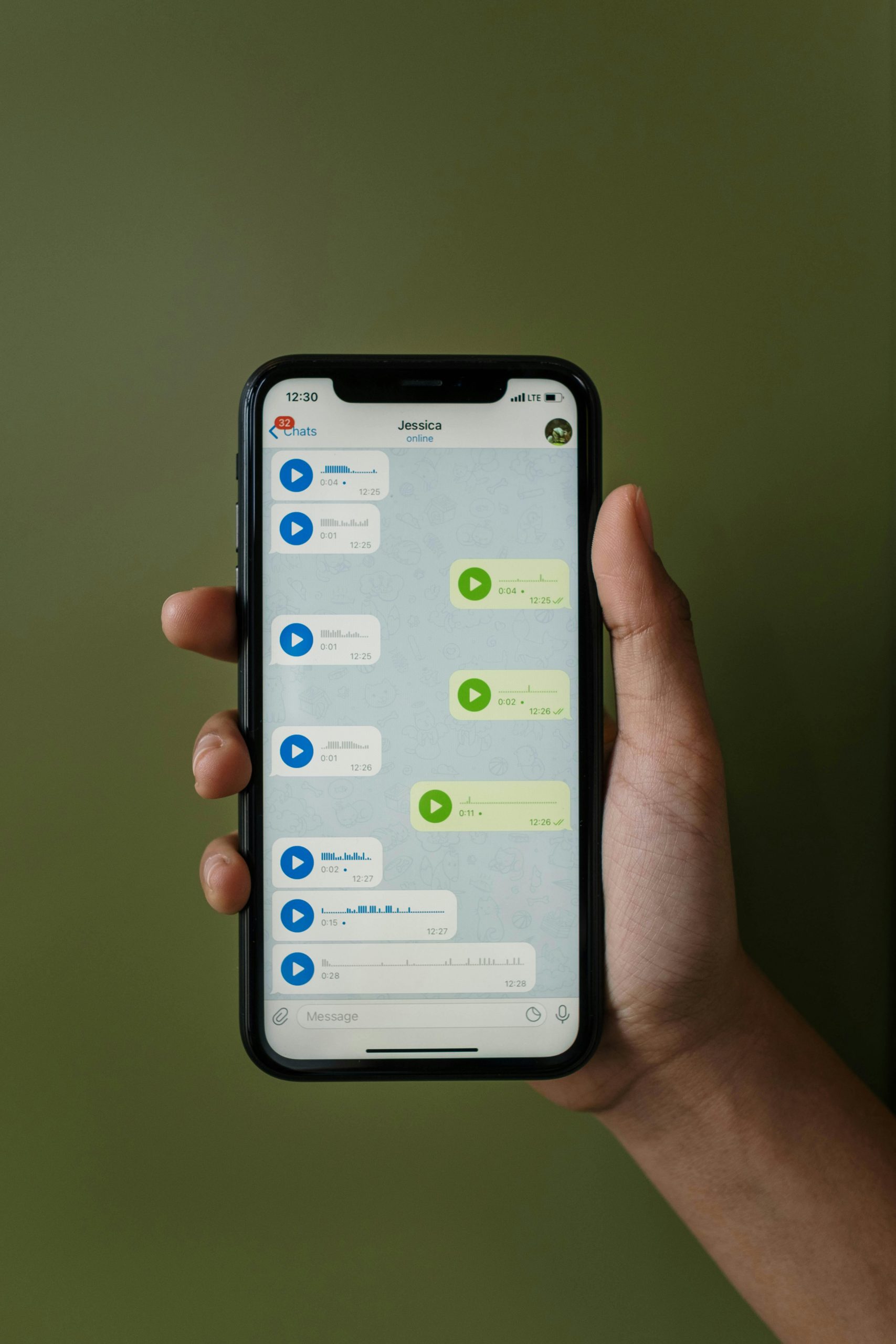
Ever sent a WhatsApp message and wondered what those little check marks at the bottom mean? You’re not alone. Whether it’s a single gray tick, double gray ticks, or those famous blue ticks — each one tells you something different about your message. Let’s break it all down in simple language.
✓ Your message has left your phone and reached WhatsApp’s servers, but it has NOT been delivered to the other person’s phone yet.
Think of it like posting a letter — it’s left your hands but hasn’t arrived at the destination. The recipient’s phone might be off, they might have no internet connection, or they may have uninstalled WhatsApp.
✓✓ Your message has been successfully delivered to the recipient’s phone. However, they have NOT opened or read it yet.
This is like your letter reaching their mailbox — it’s there, but they haven’t opened the envelope yet. Their phone received the message, but they may not have looked at WhatsApp.
✓✓ The recipient has opened your chat and seen your message. This is the ‘read receipt’ confirmation.
Blue ticks confirm the person opened WhatsApp and viewed your message. However, keep in mind — if they’ve turned off read receipts in their privacy settings, you’ll never see blue ticks even after they read it.
| Icon | Status | Meaning |
|---|---|---|
| ✓ | Sent | Message left your phone, not yet delivered |
| ✓✓ | Delivered | Message reached their phone, not yet read |
| ✓✓ | Read | Recipient opened and saw your message |

In group chats, the rules are slightly different. One tick means your message was sent to the server. Two gray ticks appear only when ALL group members have received the message. Blue ticks appear only when EVERY member has read it. If even one person hasn’t read it, the ticks stay gray. You can long-press any message and tap ‘Info’ to see exactly who has received and read it.
WhatsApp allows you to turn off read receipts (blue ticks) for privacy. Go to Settings → Privacy → Read Receipts and toggle it off. Important: if you turn off your read receipts, you also won’t be able to see when others read YOUR messages. Note that this setting does NOT apply to group chats — blue ticks always appear in groups.
💡 Pro Tip: You can read messages from notifications or Airplane Mode without triggering blue ticks — but once you open WhatsApp normally, the ticks will turn blue.
Can I see blue ticks for voice messages?▼
Yes! Voice messages always show blue ticks when played, regardless of whether read receipts are turned off. This is one exception to the privacy setting.
Do ticks work the same on WhatsApp Web?▼
Yes, the tick system is identical on WhatsApp Web and the desktop app. The status syncs across all your linked devices.
What does a clock icon mean?▼
A clock icon (🕐) means your message hasn’t even been sent yet. Your phone is still trying to connect to WhatsApp servers. Check your internet connection.
Can someone read my message without blue ticks appearing?▼
Yes — if they’ve turned off read receipts, read from notifications, or used Airplane Mode to view the message. In all these cases, you won’t see blue ticks.
This guide was written by the TechSimple editorial team. We specialize in explaining everyday technology in plain language for users of all ages and skill levels. Our content is fact-checked against official WhatsApp documentation and updated regularly.
