Physical Address
304 North Cardinal St.
Dorchester Center, MA 02124
Physical Address
304 North Cardinal St.
Dorchester Center, MA 02124

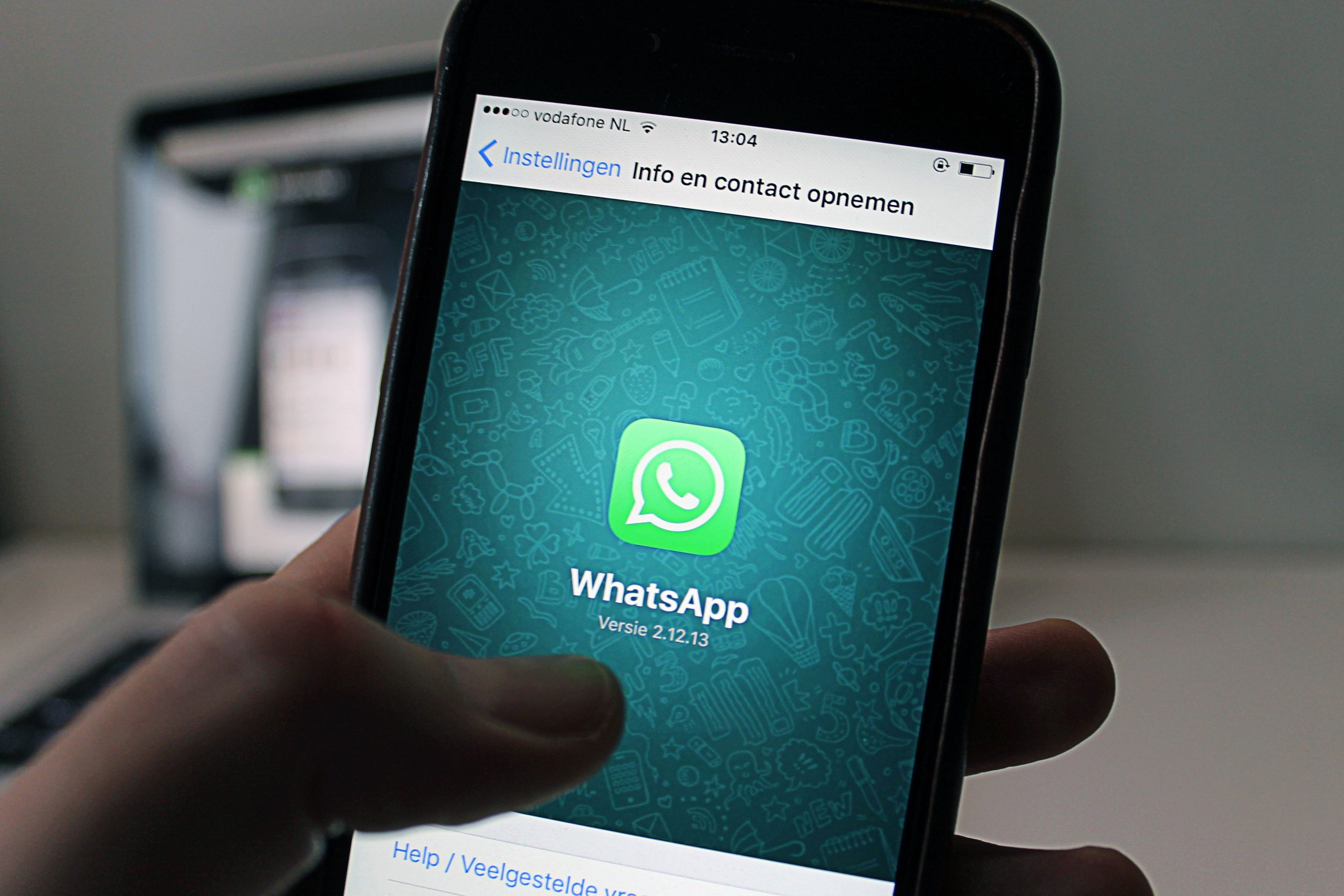
WhatsApp is the world’s most popular messaging app with over 2.7 billion monthly active users. But if you think it’s just for sending texts to friends, you’re only scratching the surface. For small business owners, community managers, and digital marketers, WhatsApp has evolved into a full communication ecosystem.
In this guide, we break down exactly what WhatsApp is used for in 2026 — focusing on the features that matter most for your daily workflow. No fluff, just the practical stuff you can use today.
At its heart, WhatsApp is used for sending text messages, voice notes, images, documents, and making voice or video calls — all protected by end-to-end encryption. Unlike SMS, there are no per-message charges; you only need an internet connection.
For community builders, group video calls now support up to 32 participants, making it viable for team stand-ups and client check-ins without needing a separate Zoom link. Screen sharing within calls also means you can walk clients through a catalogue or proposal in real time.
💡 Pro Tip: Pin up to 3 important chats so your key clients or team groups always stay at the top of your inbox.

If you manage multiple groups — say a neighbourhood association with separate groups for events, maintenance, and announcements — Communities is a game-changer. It lets you bundle related groups under one umbrella with a shared announcement channel.
How it differs from regular groups: Communities support up to 5,000 members across sub-groups, have admin-only announcement capabilities, and let members discover and join relevant sub-groups without needing separate invite links.
For small businesses, this means you could run a Community for your brand with sub-groups for VIP customers, product feedback, and regional teams — all managed from one place.
WhatsApp Channels function like a public broadcast feed. Unlike groups, followers cannot reply — they simply receive your updates. This makes Channels ideal for sharing promotions, product launches, or weekly tips without the noise of group chatter.
Channels are discoverable via a directory, meaning potential customers can find and follow your brand without you needing to share a link. Channel admins can also add polls and voice notes to keep followers engaged beyond simple text updates.

The WhatsApp Business app (free for small businesses) lets you create a professional profile with your address, hours, website link, and a product catalogue. Customers can browse your offerings and place orders directly within the chat — no external website required.
Key features include automated greeting messages, quick replies for FAQs, labels to organize customer chats by status (new lead, pending payment, completed), and away messages for after-hours. Broadcast Lists let you message up to 256 contacts at once without creating a group.
💡 Pro Tip: Use Labels like ‘Hot Lead’, ‘Follow Up’, and ‘Completed’ to create a lightweight CRM directly inside WhatsApp Business — no extra software needed.
Every WhatsApp account has a personal QR code. When someone scans it, your contact is instantly added — no manual number entry needed. For businesses, this eliminates friction at events, on packaging, or in physical stores.
You can also generate custom QR codes that link directly to a pre-filled message (e.g., ‘Hi, I’d like to know about your catering menu’). This is particularly powerful on printed marketing materials, business cards, and social media bios where you want to drive WhatsApp conversations with zero effort from the customer.
WhatsApp’s Chat Lock feature lets you move sensitive conversations behind biometric authentication. Locked chats are hidden from your main inbox and only accessible via a secret code — ideal for confidential business discussions.
Other privacy tools include disappearing messages (auto-delete after 24 hours, 7 days, or 90 days), view-once media for sensitive files, and granular controls over who can see your last seen, profile photo, and status. For community managers handling client data, these features add a meaningful layer of professional discretion.
WhatsApp supports sharing photos, videos (up to 2GB), documents, contacts, and locations. The built-in poll feature is excellent for quick group decisions — choose a meeting time, vote on a product design, or gauge interest in an upcoming event.
Your WhatsApp Display Picture (DP) is your first impression. The ideal DP size is 500×500 pixels in a square format. Images that aren’t square will be auto-cropped from the center, often cutting off important elements like your logo or face. Use a dedicated image resizer tool to ensure your DP looks sharp and professional before uploading.
Yes. WhatsApp is completely free for personal use. The WhatsApp Business app is also free, though the Business Platform (API) for larger enterprises has per-conversation pricing.
A Group is a shared chat (up to 1,024 members). A Community bundles multiple related groups under one structure with shared announcements. A Channel is a one-way broadcast feed where only admins post and followers can react but not reply.
Absolutely. Use Broadcast Lists for targeted promotions, Channels for public updates, Catalogues to showcase products, and QR codes on marketing materials to drive conversations. Just ensure you have opt-in consent before messaging customers to stay compliant with WhatsApp’s commerce policy.
