Physical Address
304 North Cardinal St.
Dorchester Center, MA 02124


If you use WhatsApp for more than just close friends and family, you already know the awkward math: every new connection — a Depop buyer, a Bumble match, a client, a neighbourhood-watch group — used to mean broadcasting your permanent 10-digit number. That number never changes, it can be reverse-looked-up, and once it’s saved on someone’s phone, there’s no taking it back. WhatsApp Usernames change that equation. Instead of a number, you share a handle like @MayaVintage — and the person on the other end sees your username, not your digits.
A username is a unique, memorable handle you claim inside WhatsApp’s settings — similar to Instagram or X. Once set, you can invite people to message you by username alone, and your phone number stays hidden from anyone who isn’t already a saved contact. Existing conversations aren’t affected, and your number is never displayed to strangers in public communities. Because the handle is separate from your SIM, you can update it whenever you like without losing your chat history or contacts.
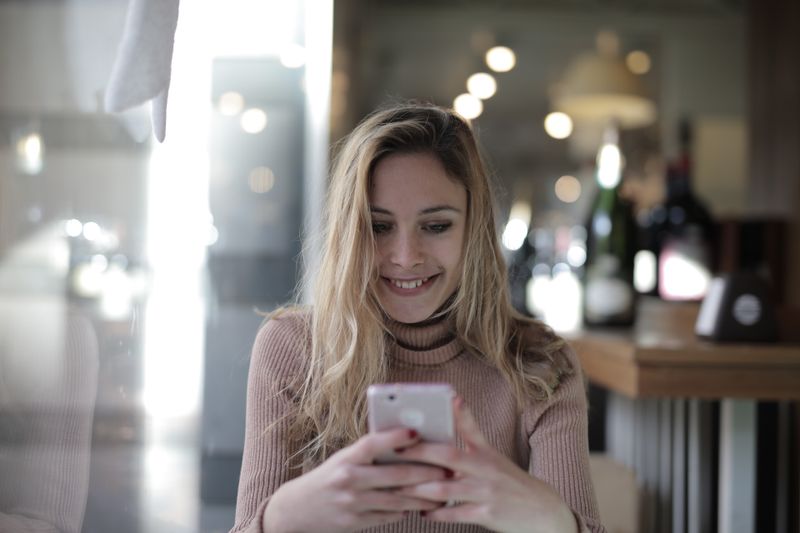
Your phone number is one of the most sensitive identifiers you own. It’s tied to two-factor codes, banking alerts, and — through reverse lookups — sometimes even your home address. Handing it to a stranger from a dating app or an online marketplace opens the door to spam calls, unwanted texts, and worse. Usernames put a buffer between your public interactions and your private line. Share a handle, and if a conversation turns sour, you can block the person or change your username entirely — without ever having to swap SIM cards or field calls at midnight.
Add “Message me on WhatsApp: @MayaVintage” to your Depop store or Instagram bio and take buyer questions without exposing your number publicly.
Move a Hinge or Bumble chat to WhatsApp using your handle instead of your number — and stay in control if things don’t work out.
Join a 200-person run club or neighbourhood-watch community confidently — non-contacts see only your username, never your digits.
“Handing out my actual phone number to a stranger from the internet always felt like giving them the keys to my house. A username finally lets me be social without compromising my safety.”
— Maya Lin, Freelance Illustrator, Seattle

Yes. Your account is still created and secured with a phone number, but the username acts as the public-facing way for others to reach you. Your number simply stays hidden from people who aren’t already your saved contacts.
Yes. You can update your username at any time from Settings. This is especially useful if you shared it publicly and want a fresh handle, or if a past connection is bothering you.
Non-contacts in public communities will see your username rather than your phone number, so joining large groups no longer means broadcasting your digits to hundreds of strangers.
It adds a layer of protection. A username can’t be reverse-looked-up to reveal your address the way a phone number sometimes can, and you can block or change it if a conversation goes wrong — without changing your actual number.
WhatsApp is rolling the feature out gradually. If you don’t see the Username option yet, make sure your app is updated to the latest version and check back — availability expands region by region.
Pick something memorable and consistent with your other profiles so people can find you easily — for example, matching your Instagram or store name. Avoid including sensitive personal details, and keep a professional handle separate if you use WhatsApp for work.
