Physical Address
304 North Cardinal St.
Dorchester Center, MA 02124
Physical Address
304 North Cardinal St.
Dorchester Center, MA 02124

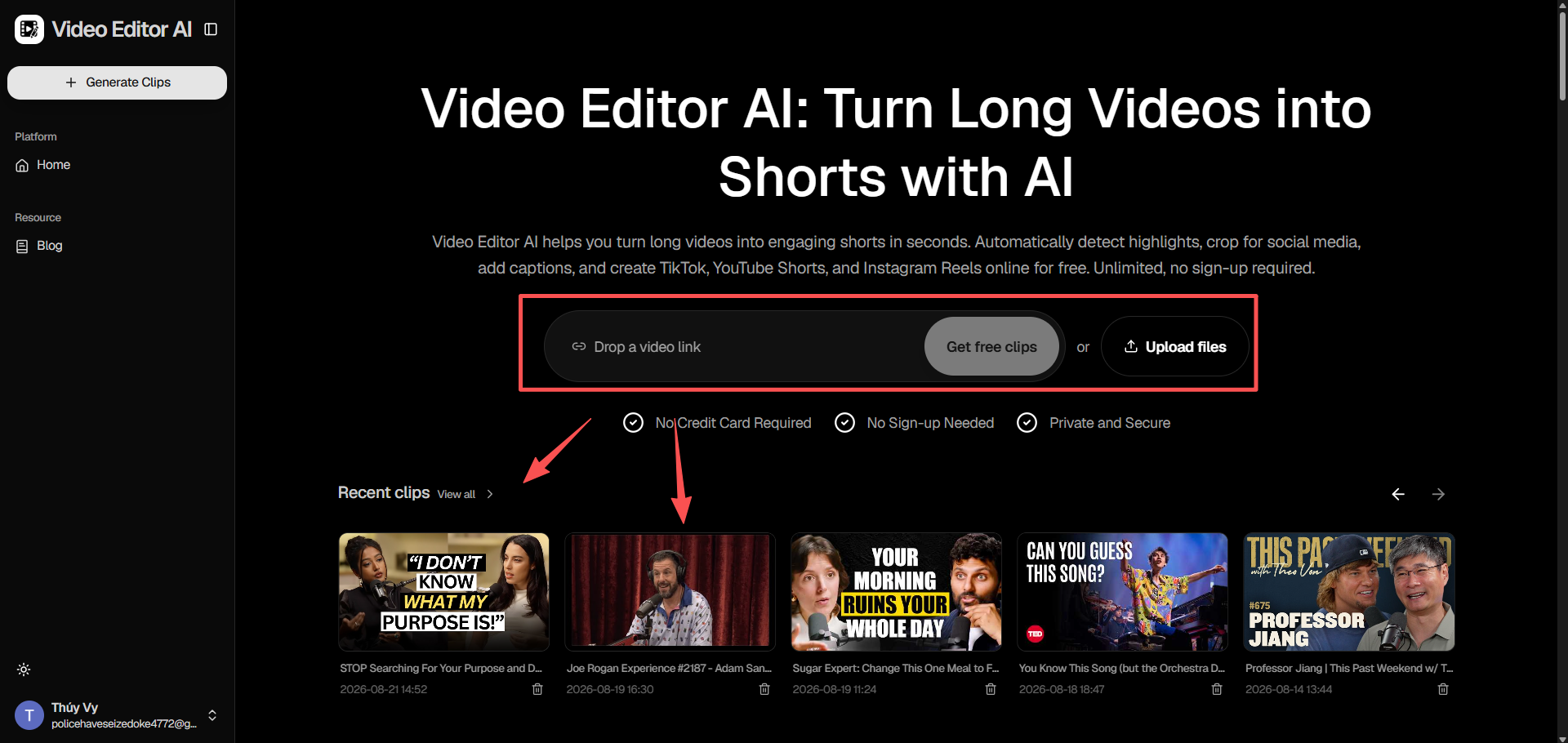
A single product demo recording usually covers far more ground than any one shopper needs to see at once — multiple features, several use cases, more than one common question answered along the way. Video Editor AI breaks that one recording into individual, feature-specific clips automatically, so each part of a demo can reach the exact shopper who cares about that particular detail.
A ten-minute product demo asks a lot of a potential customer’s attention before they’ve even decided whether the product is right for them. Meanwhile, a shopper scrolling social media is only going to stop for the fifteen seconds that speaks directly to what they’re already curious about — a specific feature, a specific use case, a specific concern.
Long demos are useful once a shopper is already seriously considering a purchase, but they’re the wrong format for the discovery stage, where short, specific clips are what actually earn the first click.
Rather than requiring someone to scrub through the full recording and manually mark timestamps, Video Editor AI identifies the individual segments where a specific feature, benefit, or use case is being shown or explained.
Not every feature clip will have equal appeal. The ranking by predicted watch-time and hook strength gives a practical starting point for deciding which feature to lead with when publishing a demo-derived series.
Demos are often filmed with the product held up to camera or shown on a table. Auto reframe adjusts the crop to 9:16 or 1:1 while keeping the product centered, so the resulting clip doesn’t awkwardly cut off the thing it’s supposed to be showing.
Since a lot of demo value comes from spoken explanation, animated captions generated directly from the audio make sure that value carries over even when a viewer is watching on mute.
Instead of a single clip trying to summarize an entire product, each clip focuses on one specific feature and the problem it solves, making it easier for a viewer to immediately understand whether it’s relevant to them.
If a demo addresses something shoppers frequently ask about — durability, sizing, compatibility — that segment alone can become a targeted clip that answers the question directly, without requiring the viewer to watch an entire demo to find it.
Breaking one demo into several feature clips gives a launch campaign a built-in content sequence, with each clip introducing a different reason to consider the product rather than repeating the same pitch multiple times.
Product demos recorded informally often include pauses, “umms,” and repeated phrasing while the presenter figures out what to say next. Automatic silence and filler removal tightens these moments up without requiring a manual re-edit.
Once dead air is removed, what’s left is a clip that stays focused on the feature itself, which tends to hold attention better than a longer, looser cut of the same content.
A single demo recording, once broken into feature clips, can be redeployed across different campaigns over time — a feature clip used for a launch can resurface later as part of a retargeting sequence or a seasonal promotion.
As more demos get processed, a brand builds a growing library of individual feature clips that can be mixed and matched for different campaigns without needing to film new footage each time.
Video Editor AI (https://video-editor.ai/) turns one product demo recording into a series of focused, feature-specific clips, each reframed and captioned to match how shoppers actually discover products on social platforms. Instead of asking every viewer to sit through a full demo, brands can let each clip speak directly to the specific reason someone might be interested.
Break down your next demo with Video Editor AI: https://video-editor.ai/
