Physical Address
304 North Cardinal St.
Dorchester Center, MA 02124
Physical Address
304 North Cardinal St.
Dorchester Center, MA 02124
For any game developer, the journey from concept to launch is a marathon. One of the biggest hurdles in that race is asset creation. Building every texture, model, and character from scratch is a monumental task that consumes time, budget, and creative energy. For indie studios and solo developers, this bottleneck can be the difference between a project shipping and it being shelved indefinitely. But what if you could significantly shorten that process?
AI-generated game assets are no longer a futuristic concept; they are a practical solution that is revolutionizing the development pipeline, like a new game-generating AI tool, Astrocade. By leveraging artificial intelligence, developers can automate and accelerate the creation of high-quality assets, freeing up valuable time and resources. This post will explore what AI-generated game assets are, how they can speed up your workflow, and the tools you can start using today.
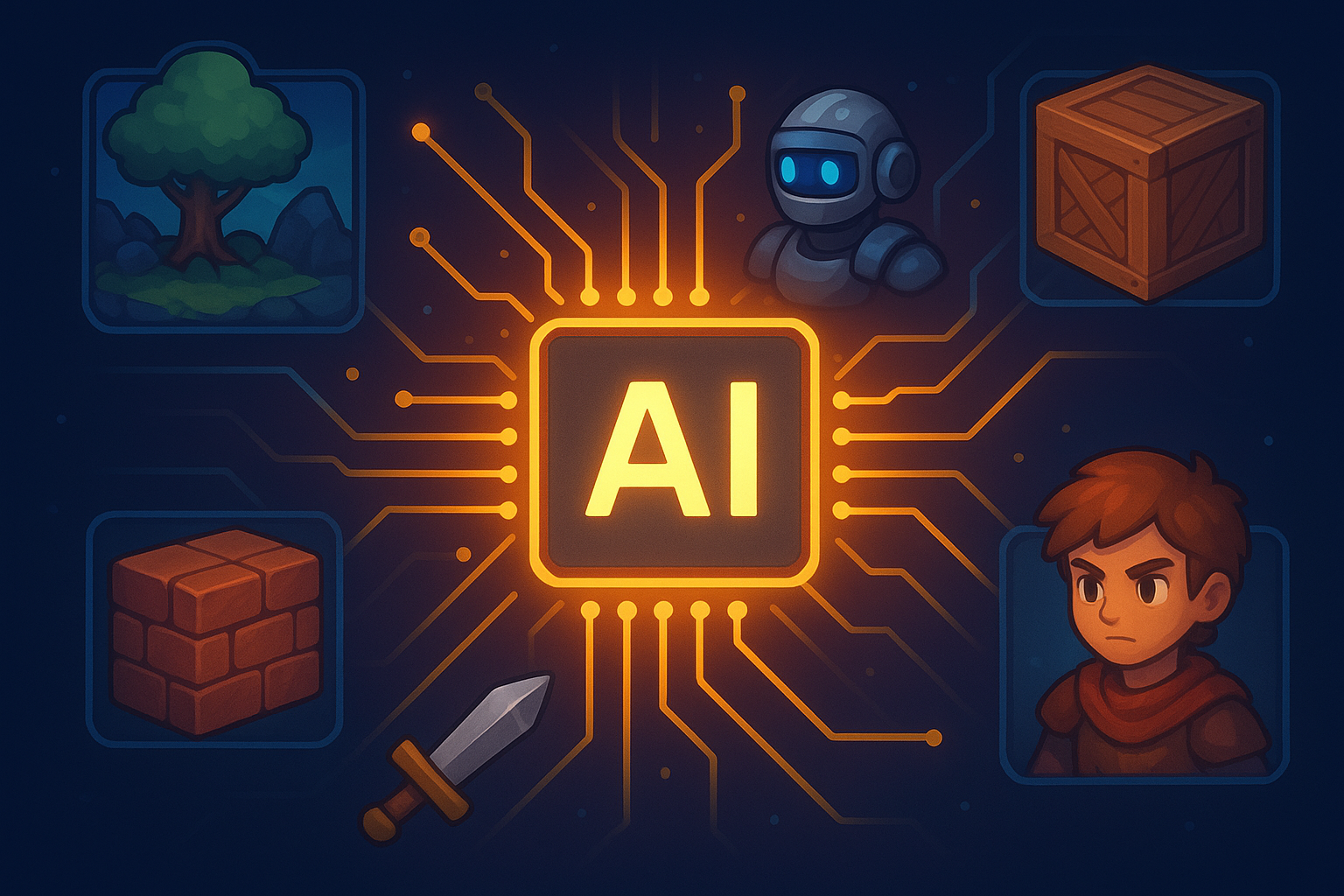
AI-generated game assets are digital assets, like textures, 3D models, characters, and environments, created with the help of artificial intelligence algorithms. Instead of an artist manually crafting every pixel or polygon, AI tools can generate these elements based on specific text prompts, existing images, or procedural rules.
It’s helpful to understand the different technologies at play:
It’s crucial to note that the goal here isn’t to replace human artists. Instead, AI serves as a powerful collaborator, augmenting the artist’s workflow by handling repetitive tasks and providing a strong foundation for them to build upon.
For small teams and solo developers, efficiency is everything. Integrating AI in game development offers several core benefits that directly address common pain points like tight deadlines and limited budgets.
One of the most immediate advantages is the ability to prototype ideas at lightning speed. Need a placeholder for a new enemy type or a texture for a sci-fi wall panel? An AI tool can generate dozens of options in minutes. This allows developers to test gameplay mechanics, visual styles, and level layouts much earlier in the process without waiting for custom assets to be completed.
Imagine building a vast, open-world RPG. Manually creating enough unique trees, rocks, buildings, and items to fill that world would take a team of artists years. With AI-generated game assets, you can generate enormous quantities of content with slight variations, ensuring your game world feels rich and diverse without the manual labor. This is a game-changer for ambitious projects on an indie budget.
Art and asset creation represent a significant portion of any game’s budget. By using AI to generate foundational assets, studios can reduce their reliance on large art teams or costly outsourcing. This frees up funds that can be reallocated to other critical areas, such as programming, marketing, or quality assurance. For a solo developer, it makes projects that were once financially out of reach suddenly viable.
Staring at a blank canvas can be intimidating. AI can act as an invaluable brainstorming partner, generating unexpected concepts and visual styles that can spark an artist’s imagination. By feeding the AI a simple prompt, a developer can receive a wide array of visual ideas for characters, environments, or props, helping to overcome creative blocks and explore new artistic directions.
Ensuring a consistent art style across a game with thousands of assets is a major challenge. AI tools can be trained on a specific art style or given consistent prompts to produce assets that all share a cohesive look and feel. This helps maintain a professional and polished aesthetic throughout the entire game, from the main character down to the smallest background prop.
The market for AI art for games is growing rapidly, with powerful tools emerging for various asset types. Here are a few practical applications and the platforms that make them possible.
Seamless, high-quality textures are essential for creating believable environments. AI tool Astrocade excels at this, generating everything from weathered wood and cobblestone to alien metal plating.
Generating 3D models with AI is still an evolving field, but the progress is astounding. These tools can create models from text prompts, convert 2D images into 3D objects, or refine existing meshes.
AI can rapidly generate character concepts, portraits, and even basic 3D models. This is incredibly useful for creating a large cast of NPCs or exploring different looks for a protagonist.
As with any disruptive technology, the rise of AI in game development comes with valid concerns. Developers worry about assets looking generic, the legal complexities of copyright, and the impact on the role of human artists.
The most effective solution is a “human-in-the-loop” approach. AI should be seen as the starting point, not the final product. An AI-generated texture can be brought into Photoshop for tweaks, a 3D model can be refined and re-topologized by a 3D artist, and a character concept can be the inspiration for a final, hand-drawn illustration. This collaborative workflow leverages the speed of AI while retaining the skill, creativity, and unique touch of a human artist.
Regarding ethics and copyright, the landscape is still evolving. It’s essential for developers to use platforms that are transparent about their training data and to be aware of the terms of service for each tool.
The evidence is clear: AI-generated game assets are a transformative force in game development. Indie developers level the playing field, making it possible to create larger, more ambitious games with smaller teams and tighter budgets. By automating the laborious aspects of asset creation, AI empowers developers to focus on what truly makes a game great: compelling gameplay, engaging stories, and a polished player experience.
This technology is no longer on the horizon; it’s here now, and it’s more accessible than ever. The studios and developers who embrace AI as a collaborative tool will be the ones who can build faster, iterate more efficiently, and bring their creative visions to life.
Have you experimented with AI tools in your development process? Share your experiences and favorite tools in the comments below!