
Step-by-Step Instructions
1. Go to Reverse Video Search Tool
Visit: imagesplatform.com/post/reverse-video-search-velR9

2. Upload the Video Clip
You can:
- Select a short clip or long video.
- Paste the video directly from clipboard.
3. Capture a Clear Frame
Scroll through the video, Pause and click “Capture Frame” on the moment with most details (faces, unique objects, text).
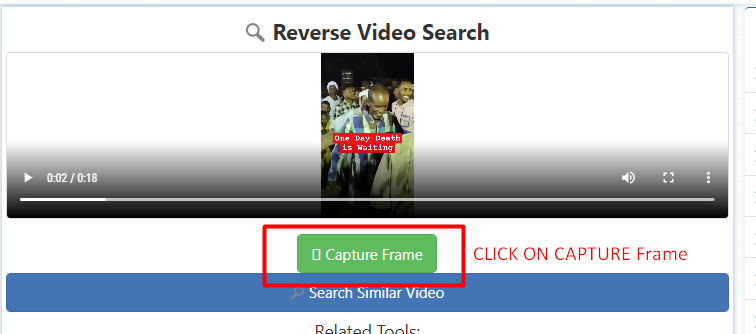
4. Click “Search Similar Video”
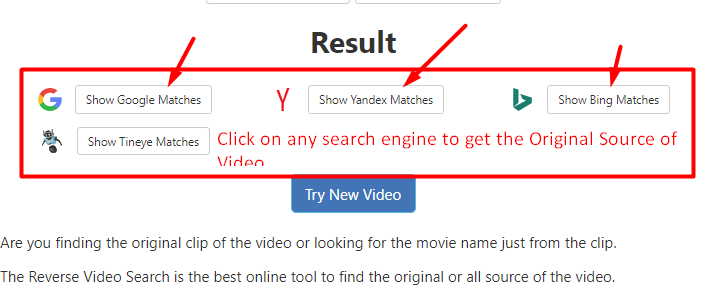
The tool will run your frame through:
- Google Images
- Bing Images
- Yandex
Results will show similar videos, thumbnails, or links to original uploads.