Physical Address
304 North Cardinal St.
Dorchester Center, MA 02124
Physical Address
304 North Cardinal St.
Dorchester Center, MA 02124

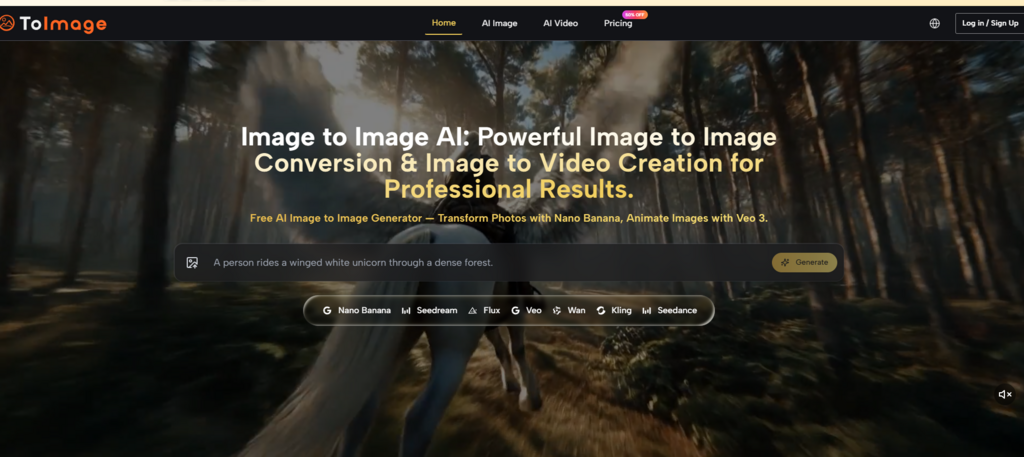
There is a strange assumption baked into most AI image tools: that generating from scratch is the default creative mode. Upload a reference image, and many platforms treat it as a suggestion rather than a constraint. The result drifts. The subject changes. The composition warps. What should be a controlled transformation becomes a loosely guided hallucination. For months, I assumed this was simply how image-to-image worked—until I tested a platform that treats reference images as the foundation rather than the starting point for improvisation. The difference is not subtle.
Text-to-image generation and image-to-image transformation are often treated as variations of the same thing. They are not. Text-to-image builds something new from nothing. Image-to-image transforms something that already exists. The creative intent is different, the constraints are different, and the measure of success is different.
What makes this platform worth examining is that it seems built around the image-to-image premise rather than treating it as a secondary feature. The workflow starts with your source image and keeps it central throughout the process. Models like Nano Banana are optimized for preserving key elements while applying transformations—whether that means changing styles, enhancing quality, or reimagining the scene entirely. The platform supports up to four reference images for style consistency and character continuity, which is a meaningful capability for professional work.
Uploading a single reference image gives the AI a clear visual anchor. Uploading multiple reference images strengthens that anchor. The platform’s support for up to four reference images enables character consistency and style matching across generations. For brand work, series development, or any project requiring visual coherence, this capability reduces the variability that often makes AI-generated outputs feel disconnected from one another.
The platform’s workflow is structured around continuity rather than starting over each time.
Every image-to-image task begins with an existing visual asset. That could be a product photo, a portrait, a rough sketch, or a campaign visual. Uploading a reference image establishes a clear visual anchor for the AI to work from.
The quality and clarity of your source image directly influence the result. A well-lit product photo with clear edges and minimal background clutter will yield better transformations than a low-resolution snapshot with busy surroundings. This is not a limitation of the platform—it is a reflection of how image-to-image models work. They analyze your source image and generate a new version based on your instructions, whether that is changing the art style, enhancing details, swapping backgrounds, or completely reimagining the scene.
The prompt panel stays open and editable throughout the session. When you switch between models, your prompt remains intact. This continuity matters more than it might seem. On platforms where switching models means starting a new generation from scratch, the cognitive cost of iteration adds up quickly.
This is where the platform’s multi-model structure becomes tangible. Instead of pushing every job through one engine, you select the model that best fits your creative goal. Nano Banana for hyper-realistic transformation. Seedream for rapid exploration. Flux for photorealism. Veo for animation. The interface keeps you in the same workflow regardless of which model you select.
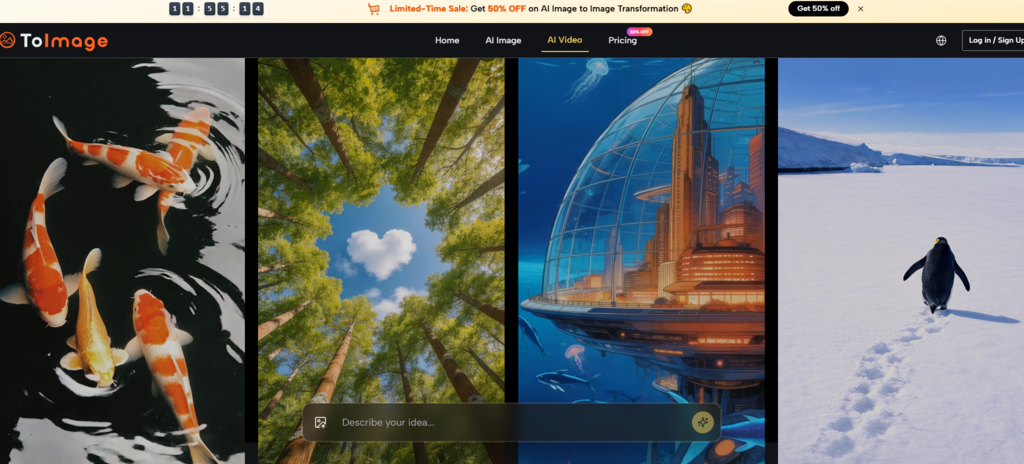
Style transfer is one of the most common image-to-image applications, but it is also one of the most prone to failure. Many platforms apply a style so aggressively that the original subject becomes unrecognizable. In my testing, Nano Banana handled style transfers with more restraint—preserving the subject’s shape, proportions, and key details while applying the requested artistic style. The results were not always perfect on the first generation, but the iteration loop was fast enough to refine without frustration.
Replacing a background while maintaining consistent lighting and shadows is a notoriously difficult task for AI image tools. The platform handled this more consistently than most. Upload a product photo with flat lighting, describe a sunlit kitchen counter, and the model generates a new version with contextual props, natural shadows, and consistent lighting across the subject and background.
The platform’s support for up to four reference images enables character consistency across multiple generations. For brand work or series development, this capability reduces the variability that often makes AI-generated characters feel like different people from one image to the next. Uploading multiple angles of the same subject improved the model’s understanding of what to preserve, resulting in more consistent outputs across generations.
| Dimension | Image-to-Image (This Platform) | Text-to-Image Only |
| Creative Starting Point | Existing visual asset | Blank prompt |
| Control Over Output | High—source image anchors the result | Low—model interprets prompt probabilistically |
| Subject Consistency | Strong—preserves key elements | Weak—subject varies with each generation |
| Best Use Case | Transforming existing visuals | Generating new concepts from scratch |
| Iteration Speed | Fast—refine from a known starting point | Variable—each generation is a new interpretation |
| Learning Curve | Requires understanding source image quality | Requires prompt engineering skills |
No platform is without trade-offs. The quality of your source image significantly influences the result—low-resolution or poorly lit photos may not yield the best transformations. Complex scenes with multiple interacting elements may require several generations to get right. The results may vary from one generation to the next, even with the same prompt and model. The platform does not eliminate the need for user judgment—it provides capable models, but you still need to know which one to reach for and when.
Image to Image AI makes the most sense for creators who regularly work from existing visuals and want controlled transformations rather than open-ended generation. It is especially useful for product visualization, brand asset creation, and any project where maintaining visual coherence matters. The platform is better suited to users who have source images to work from rather than those starting entirely from scratch. For designers, marketers, and content creators who need to move from concept to deliverable with minimal friction, the workflow removes a meaningful amount of friction.
The real value of any image-to-image tool is not whether it can generate something impressive from a blank prompt. It is whether it can take what you already have and make it better, faster, and more useful. On that measure, this platform delivers.
